fcc647a9f3
* Create readme.md

* Add files via upload

* Delete Cowling_Dragon_v3.stl

* Create readme.md

* Add files via upload

* Update readme.md

* Create readme.md

* Add files via upload

* Update readme.md

* Update readme.md

* Create readme.md

* Add files via upload

* Update readme.md

* Pinda Probe mount for the miniAB toolhead.

* Rename printer_mods/MrDespair/readme.md to printer_mods/MrDespair/MiniAB_Pinda/readme.md

* File Organization

File Organization so that it's actually in a subfolder

* Update readme.md

Added some printer.cfg info.

* Update README.md

Added my mod's info to the table.

* Delete Cowling_Dragon_v3.stl

Replacing this with an STL that has the correct orientation.

* Add files via upload

Reuploading the STL with it oriented in the correct orientation to print easily.

* Add files via upload

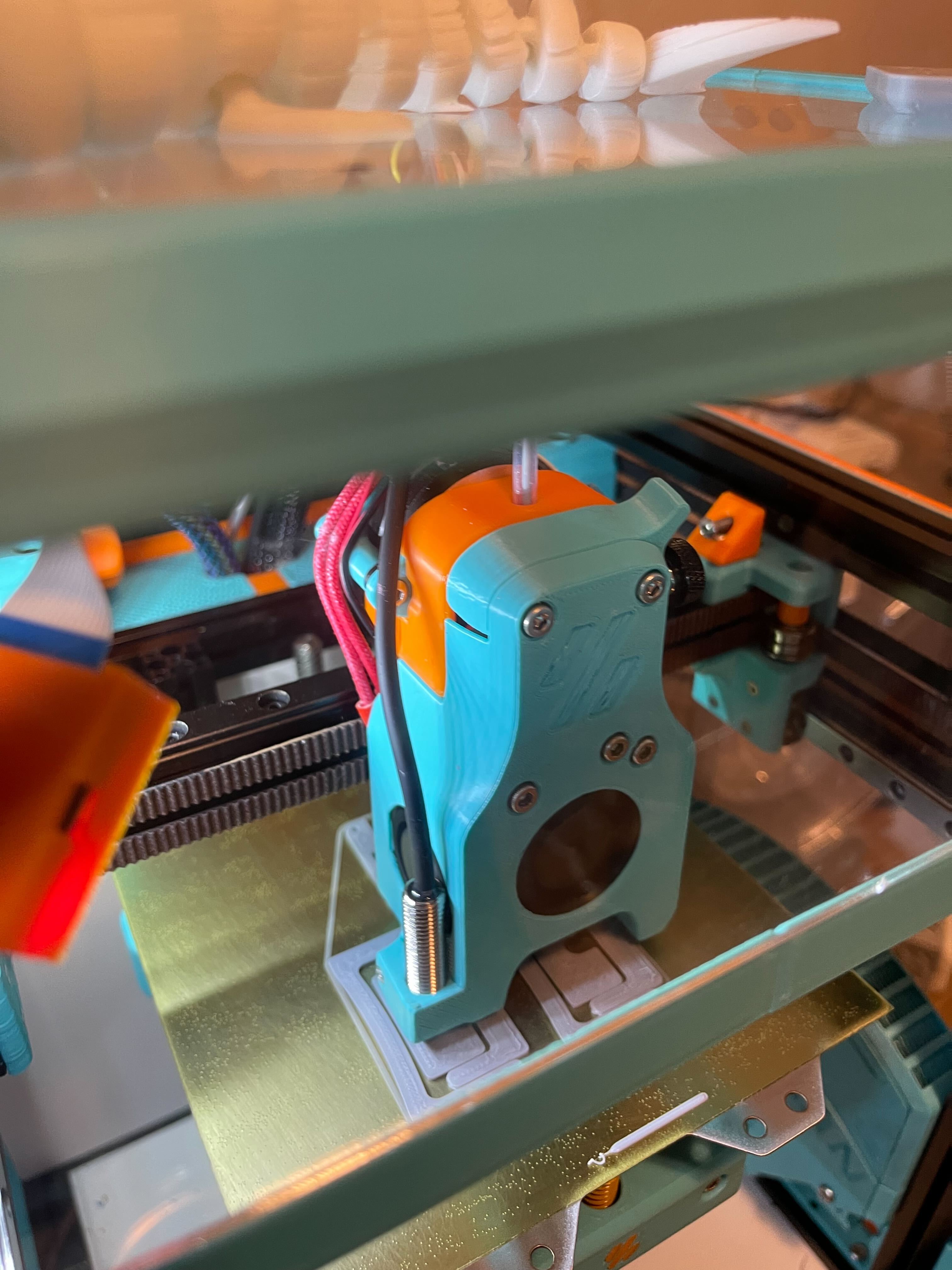
Add a picture of the mount in action.

* Update readme.md

Adding one more picture to the readme

* Update README.md

Added ❌ to the Trident Column.

* Update readme.md

Changed VO.1 to V0.1

* Update Cowling_Dragon_v3.stl

Repaired manifold errors (and then confirmed that it opens without errors).

Co-authored-by: KiloQubit <69389593+KiloQubit@users.noreply.github.com>
|
||
|---|---|---|
| .. | ||
| CAD | ||
| Images | ||
| STLs | ||
| readme.md | ||
readme.md
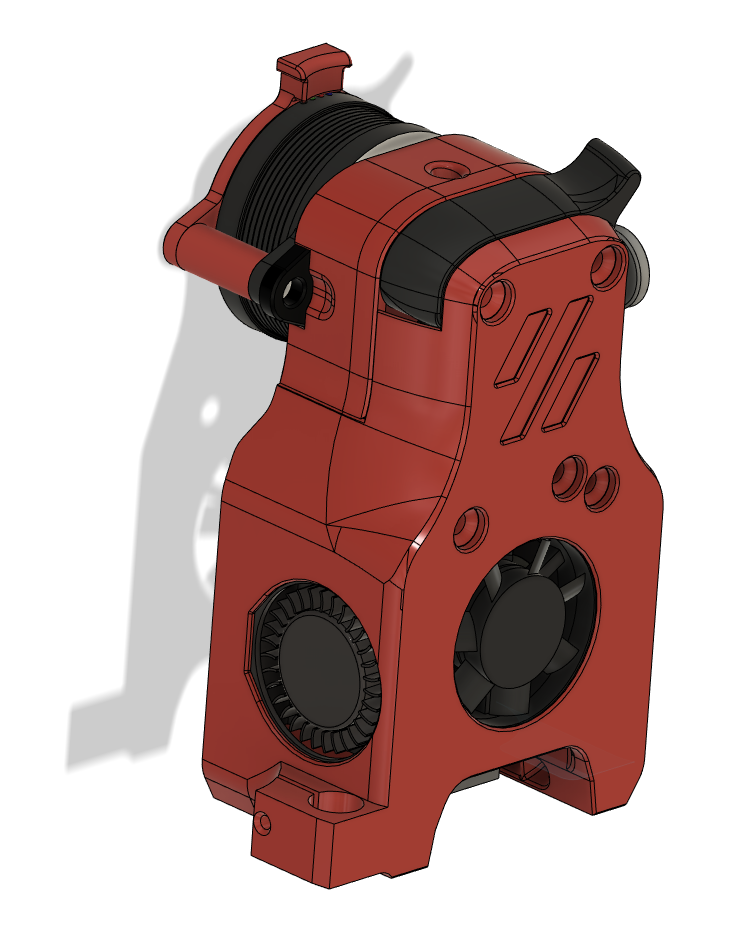
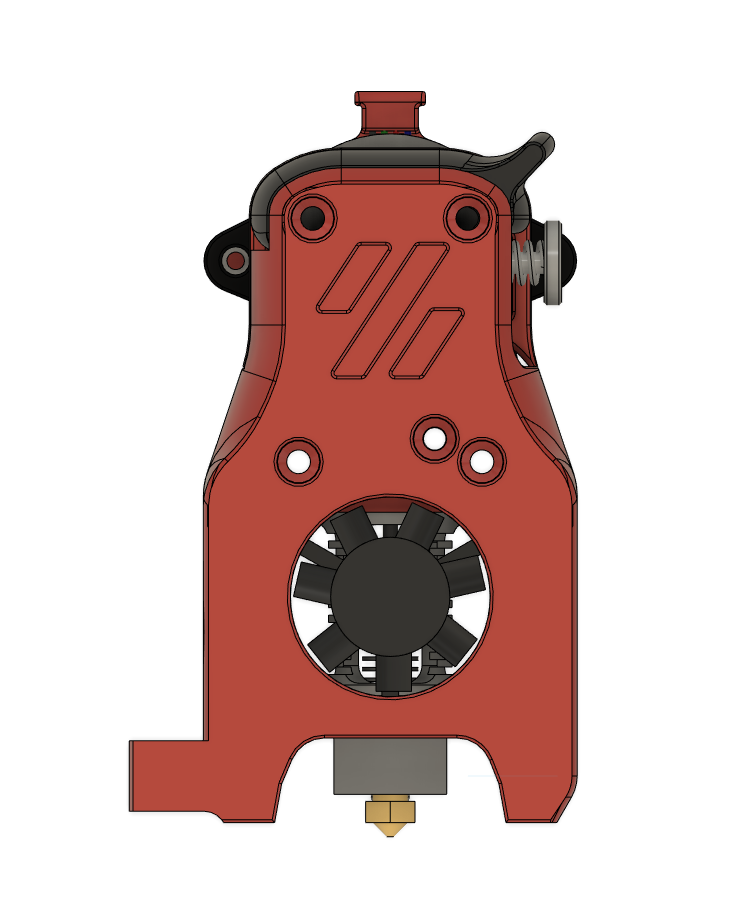
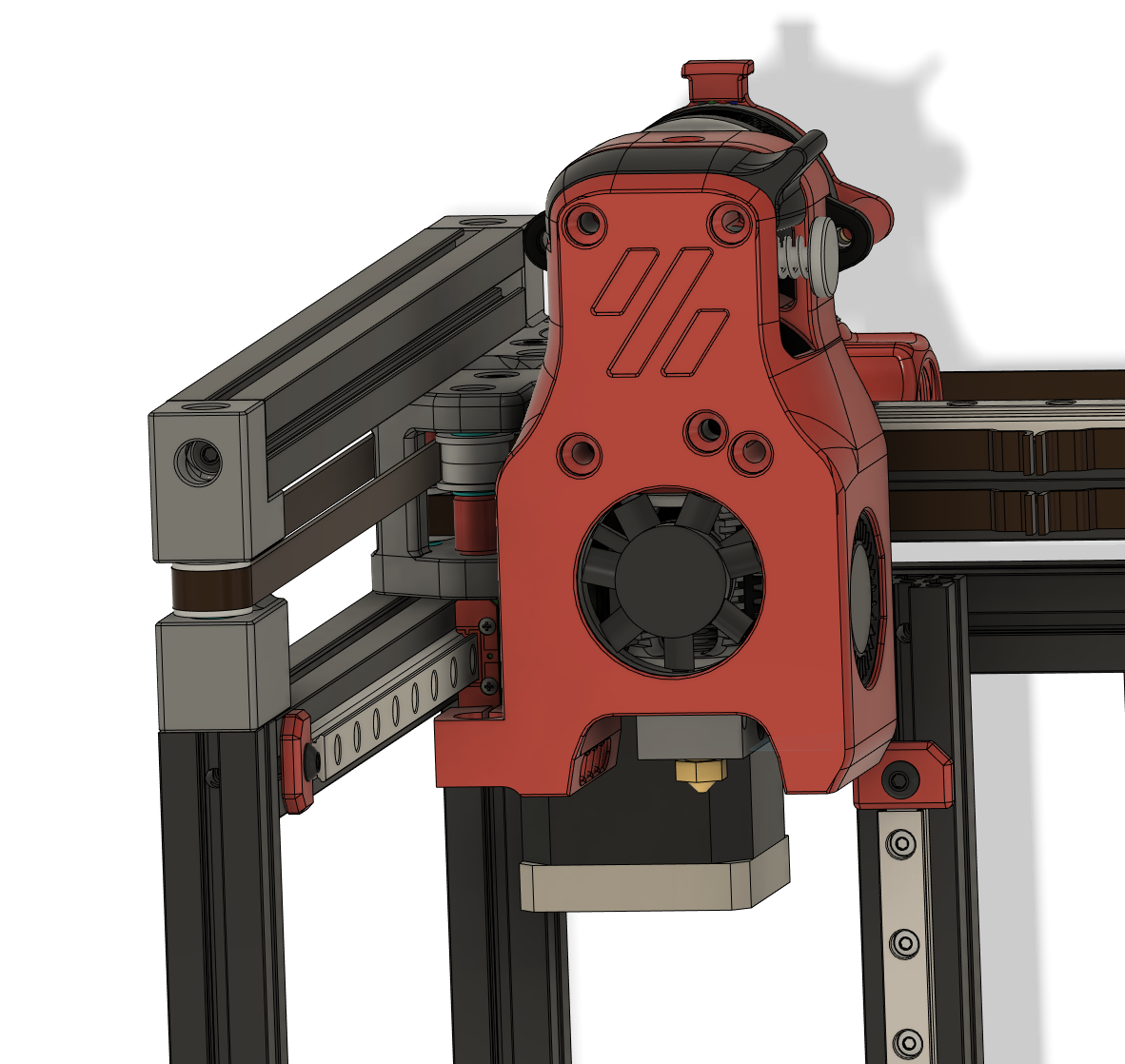
Mini Afterburner Pinda Probe Mount
A modified dragon toolhead cowling to mount a pinda (or superpinda, or vinda) probe to your V0.1! (Mosquito will come someday if I get this working).
BOM
- 1x Some kind of Pinda probe. Looking for something that's about 8mm diameter. Ideally you'd get a superpinda or vinda probe, the temperature drift with a standard style pinda v2 probe is wild and makes it hard to use if you don't preheat your chamber (in addition to your bed and hotend!).
- 1x M2x8 self tapping screw. Head is countersunk for a Flat Head style screw, but a BHCS should work too, there's clearance for it to stick out.
- Everything else you'd need for a standard Dragon MiniAB toolhead.
Instructions
- Print the new toolhead
- Install it on your V0.1, I wired up the ground and signal pin to my z-endstop port and the 5v to the bltouch port on my skr mini e3 v2.
- Install the pinda probe and tighten it down and follow the probe calibrate guide here: https://www.klipper3d.org/Probe_Calibrate.html
- My offsets wound up being x_offset: -30.7 and y_offset: -13, but you should double check on your own machine just to be safe!
- I've been using just the superPinda as my endstop and bedmesh using the following settings in my printer.cfg:
[probe]
pin: PC14
#z_offset: 2.345
x_offset: -30.7
y_offset: -13
samples: 3
speed: 100
samples_tolerance: 0.010
samples_tolerance_retries: 4

[bed_mesh]
speed: 250
horizontal_move_z: 5
mesh_min: 15,10
mesh_max: 89, 105
#mesh_pps: 2,3
move_check_distance: 3.0
split_delta_z: .01
probe_count: 5,5
algorithm: bicubic
relative_reference_index: 12

# ~~~probe homing~~~
[safe_z_home]
home_xy_position: 60,60
speed: 100
z_hop: 15
z_hop_speed: 5
Images