11 KiB
Cricut_Voron_Logos
This repository contains vector files I have created for the Voron community and for my own Voron builds.
For "Voron 2.4 Build with 1 Color"
These files are located in the directory "V2.4L/1ColorLayer".
Link to Cricut Design Space for "Voron 2.4 1_Color_Layer":
https://design.cricut.com/landing/project-detail/6137795f68f6f90001d7abfd
Link to my Repository on GitHub that contains all files I used to produce the "Voron 2.4 1_Color_Layer" .svg file: https://github.com/GadgetAngel/Cricut_Voron_Logos/tree/main/Voron_2.4_Logo/1_Color_Layer/Current_Design_Files
Picture of "Voron 2.4 Build with 1 Color":
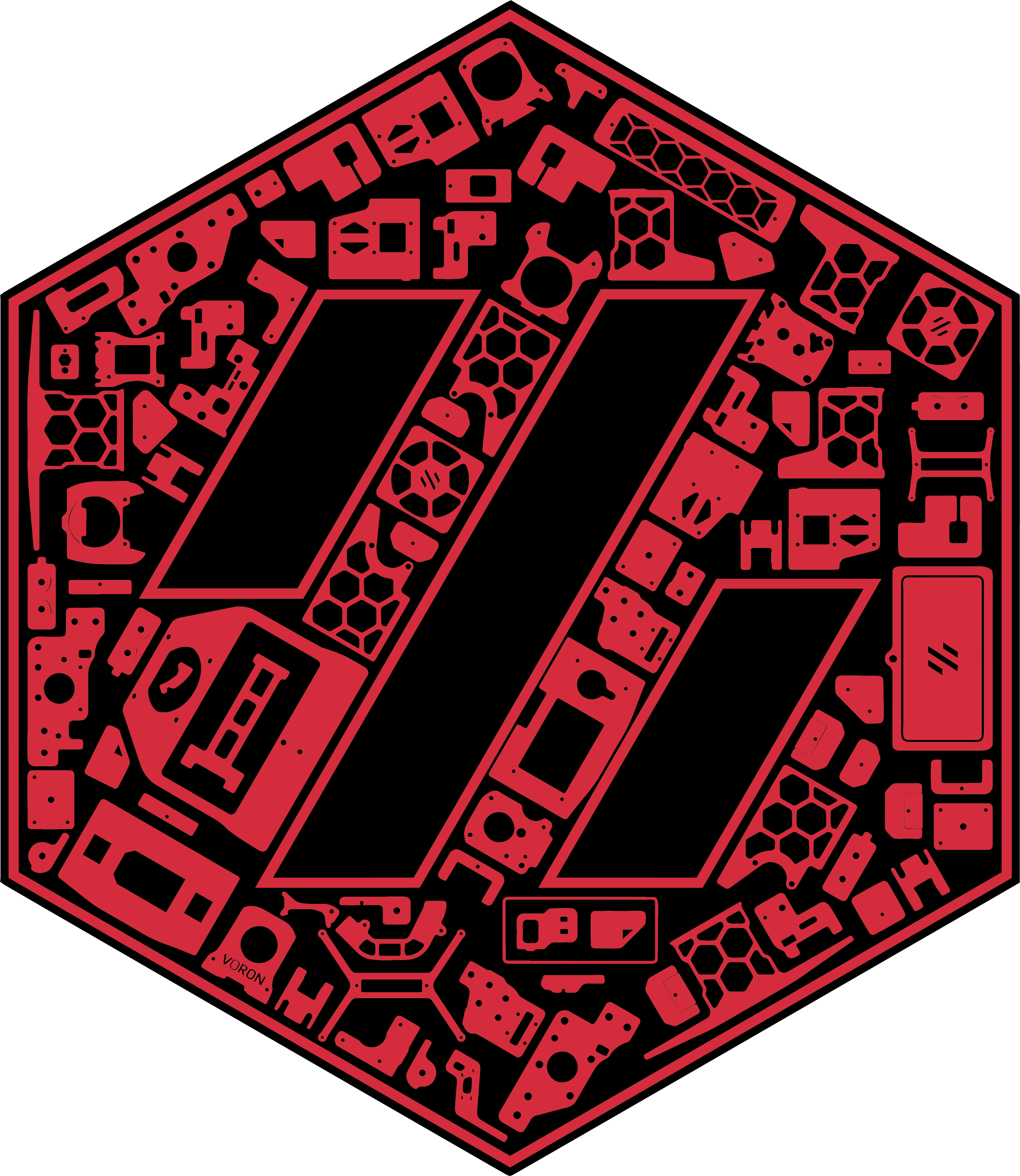
For "Voron 2.4 Build with 1 Color and Without LOGO outline" with a Silhouette Layer
These files are located in the directory "V2.4L/1ColorLayerWOWithSil"
Link to Cricut Design Space for "Voron 2.4 1_Color_Layer_WithOut_Logo_Outline_With_Silhouette":
https://design.cricut.com/landing/project-detail/614501c2623cde00018a4fe6
Link to my Repository on GitHub that contains all files I used to produce the "Voron 2.4 1_Color_Layer_WithOut_Logo_Outline_With_Silhouette" .svg file: https://github.com/GadgetAngel/Cricut_Voron_Logos/tree/main/Voron_2.4_Logo/1_Color_Layer_WithOut_Logo_Outline/Current_Design_Files
Picture of "Voron 2.4 Build with 1 Color and Without LOGO outline" with a Silhouette Layer:

For "Voron 2.4 Build with 1 Color and Without LOGO outline" WITHOUT the Silhouette Layer
These files are located in the directory "V2.4L/1ColorLayerWOWOSil"
Link to Cricut Design Space for "Voron 2.4 1_Color_Layer_WithOut_Logo_Outline_WithOut_Silhouette":
https://design.cricut.com/landing/project-detail/614502f434e2330001c7de37
Link to my Repository on GitHub that contains all files I used to produce the "Voron 2.4 1_Color_Layer_WithOut_Logo_Outline_WithOut_Silhouette" .svg file: https://github.com/GadgetAngel/Cricut_Voron_Logos/tree/main/Voron_2.4_Logo/1_Color_Layer_WithOut_Logo_Outline/Current_Design_Files
Picture of "Voron 2.4 1_Color_Layer_WithOut_Logo_Outline_WithOut_Silhouette and BackPanel":

For "Voron 2.4 Build with 3 Colors"
These files are located in the directory "V2.4L/3ColorLayers"
Link to Cricut Design Space for "Voron 2.4 3_Color_Layer":
https://design.cricut.com/landing/project-detail/6137b53b0b4942000143ea8c
Link to my Repository on GitHub that contains all files I used to produce the "Voron 2.4 3_Color_Layers" .svg file: https://github.com/GadgetAngel/Cricut_Voron_Logos/tree/main/Voron_2.4_Logo/3_Color_Layers/Current_Design_Files
Picture of "Voron 2.4 Build with 3 Colors":

For "Voron 0.1 Build with 1 Color"
These files are located in the directory "V0.1L/1ColorLayer"
Link Cricut Design Space for "Voron 0.1 1_Color_Layer":
https://design.cricut.com/landing/project-detail/613569712ecf490001974996
Link to my Repository on GitHub that contains all files I used to produce the "Voron 0.1 1_Color_Layer" .svg file: https://github.com/GadgetAngel/Cricut_Voron_Logos/tree/main/Voron_0.1_Logo/1_Color_Layer/Current_Design_Files
Picture of "Voron 0.1 Build with 1 Color":

For "Voron 0.1 Build with 1 Color and without LOGO Outline" with a Silhouette Layer
These files are located in the directory "V0.1L/1ColorLayerWOWithSil"
Link for "Voron 0.1 1Color_WithOut_Logo_Outline_With_Silhouette":
https://design.cricut.com/landing/project-detail/6147bad19e2fcb000119bb71
Link to my Repository on GitHub that contains all files I used to produce the "Voron 0.1 1Color_WithOut_Logo_Outline_With_Silhouette" .svg file: https://github.com/GadgetAngel/Cricut_Voron_Logos/tree/main/Voron_0.1_Logo/1_Color_Layer_WithOut_Logo_Outline/Current_Design_Files
Picture of "Voron 0.1 Build with 1 Color and without LOGO Outline" with a Silhouette Layer:
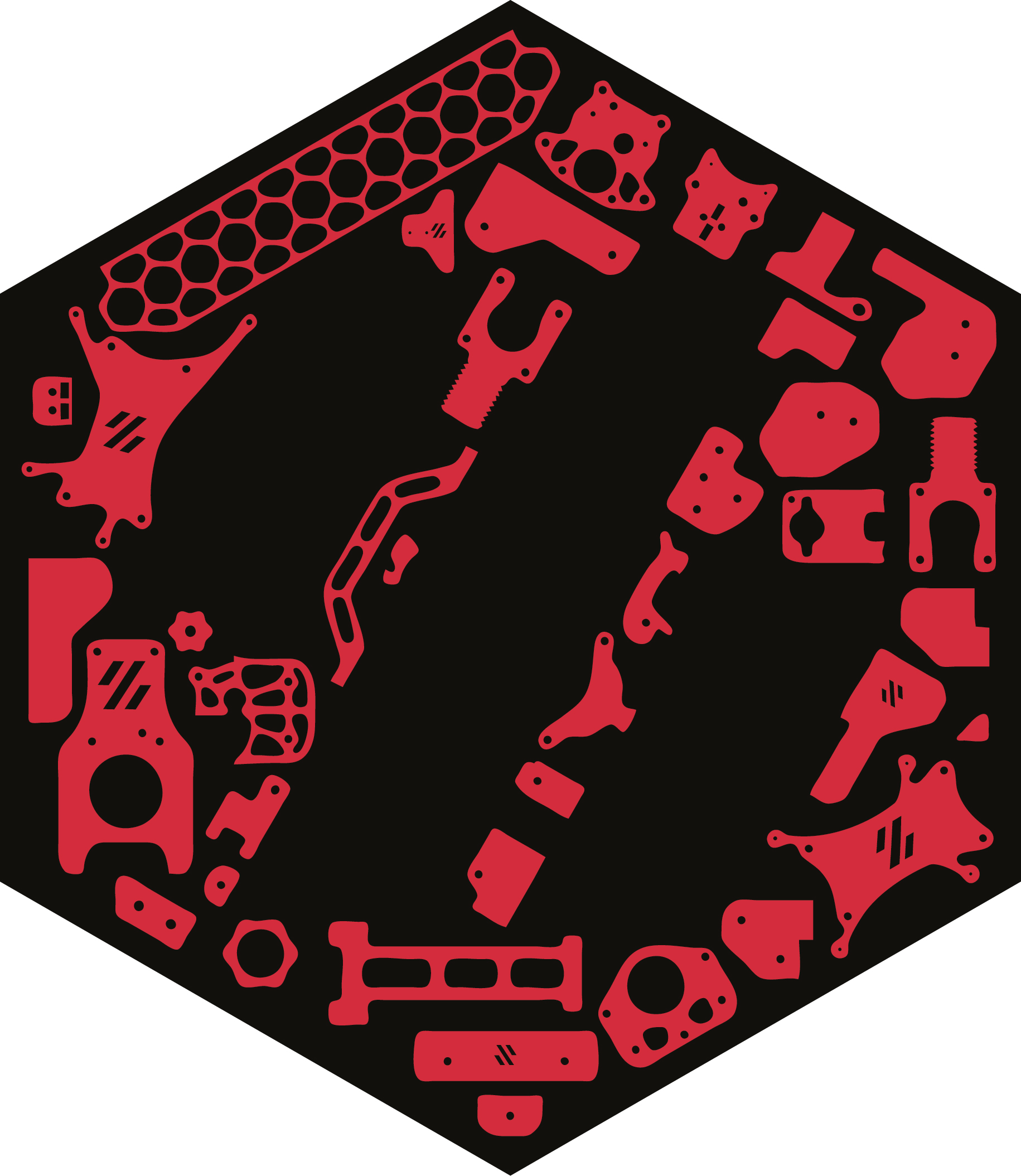
For "Voron 0.1 Build with 1 Color and without LOGO Outline" WITHOUT the Silhouette Layer
These files are located in the directory "V0.1L/1ColorLayerWOWOSil"
Link for "Voron 0.1 1Color_WithOut_Logo_Outline_WithOut_Silhouette":
https://design.cricut.com/landing/project-detail/6147bc71d61aad00013c14f6
Link to my Repository on GitHub that contains all files I used to produce the "Voron 0.1 1Color_WithOut_Logo_Outline_WithOut_Silhouette" .svg file: https://github.com/GadgetAngel/Cricut_Voron_Logos/tree/main/Voron_0.1_Logo/1_Color_Layer_WithOut_Logo_Outline/Current_Design_Files
Picture of "Voron 0.1 1Color_WithOut_Logo_Outline_WithOut_Silhouette and BackPanel":

For "Voron Switch Wire Build with 1 Color"
These files are located in the directory "VSWL/1ColorLayer"
Link Cricut Design Space for "Voron Switch Wire 1_Color_Layer":
https://design.cricut.com/landing/project-detail/613bf24c5dddf60001c14fbb
Link to my Repository on GitHub that contains all files I used to produce the "Voron Switch Wire 1_Color_Layer" .svg file: https://github.com/GadgetAngel/Cricut_Voron_Logos/tree/main/Voron_SW_Logo/1_Color_Layer/Current_Design_Files
Picture of "Voron Switch Wire Build with 1 Color":
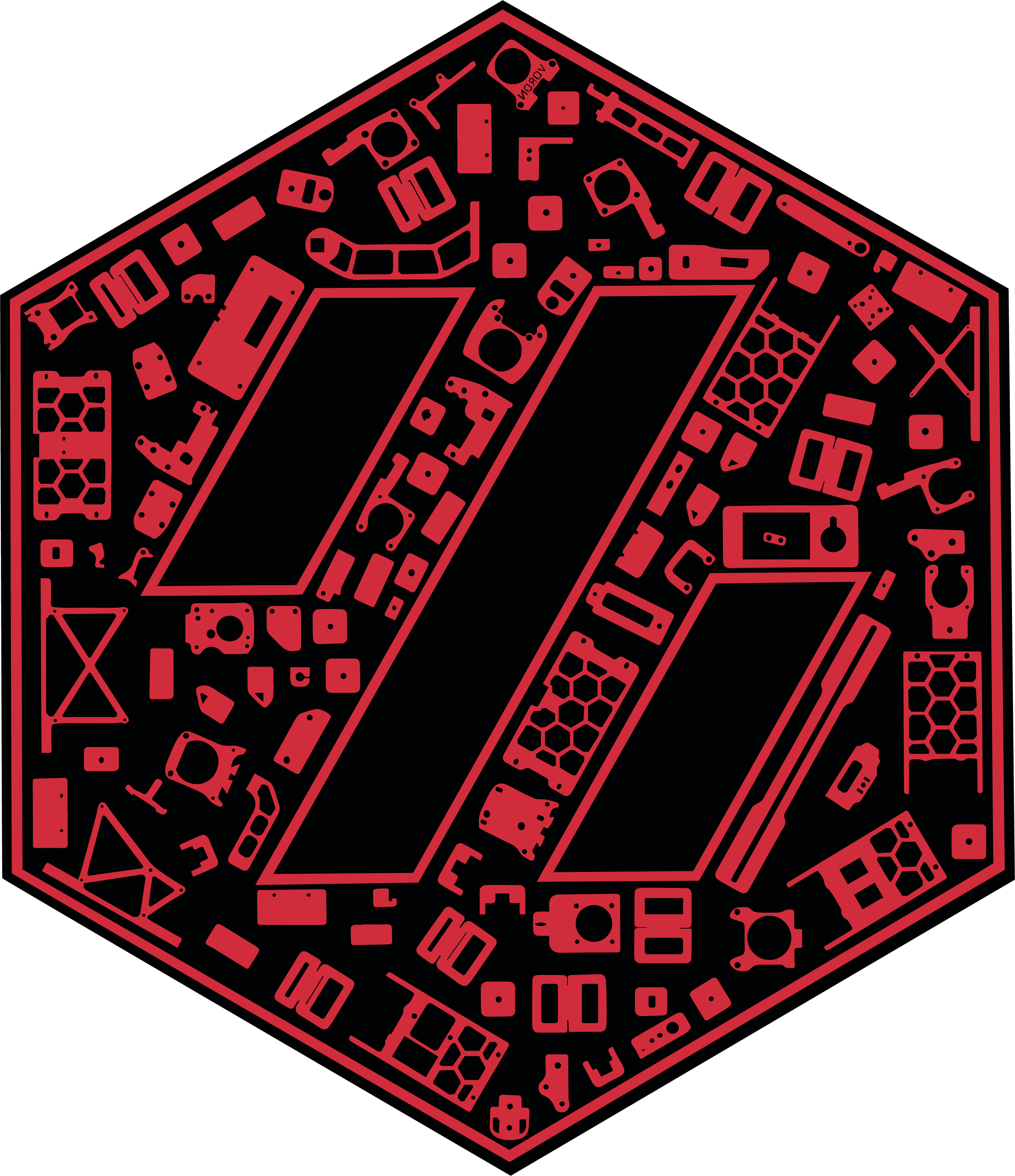
For "Voron Switch Wire Build with 1 Color and without LOGO Outline" with a Silhouette Layer
These files are located in the directory "VSWL/1ColorLayerWOLogoWithSil"
Link for "Voron Switch Wire 1Color_WithOut_Logo_Outline_With_Silhouette":
https://design.cricut.com/landing/project-detail/6147c7da7e75d400012c4684
Link to my Repository on GitHub that contains all files I used to produce the "Voron Switch Wire 1Color_WithOut_Logo_Outline_With_Silhouette" .svg file: https://github.com/GadgetAngel/Cricut_Voron_Logos/tree/main/Voron_SW_Logo/1_Color_Layer_WithOut_Logo_Outline/Current_Design_Files
Picture of "Voron Switch Wire Build with 1 Color and without LOGO Outline" with a Silhouette Layer:
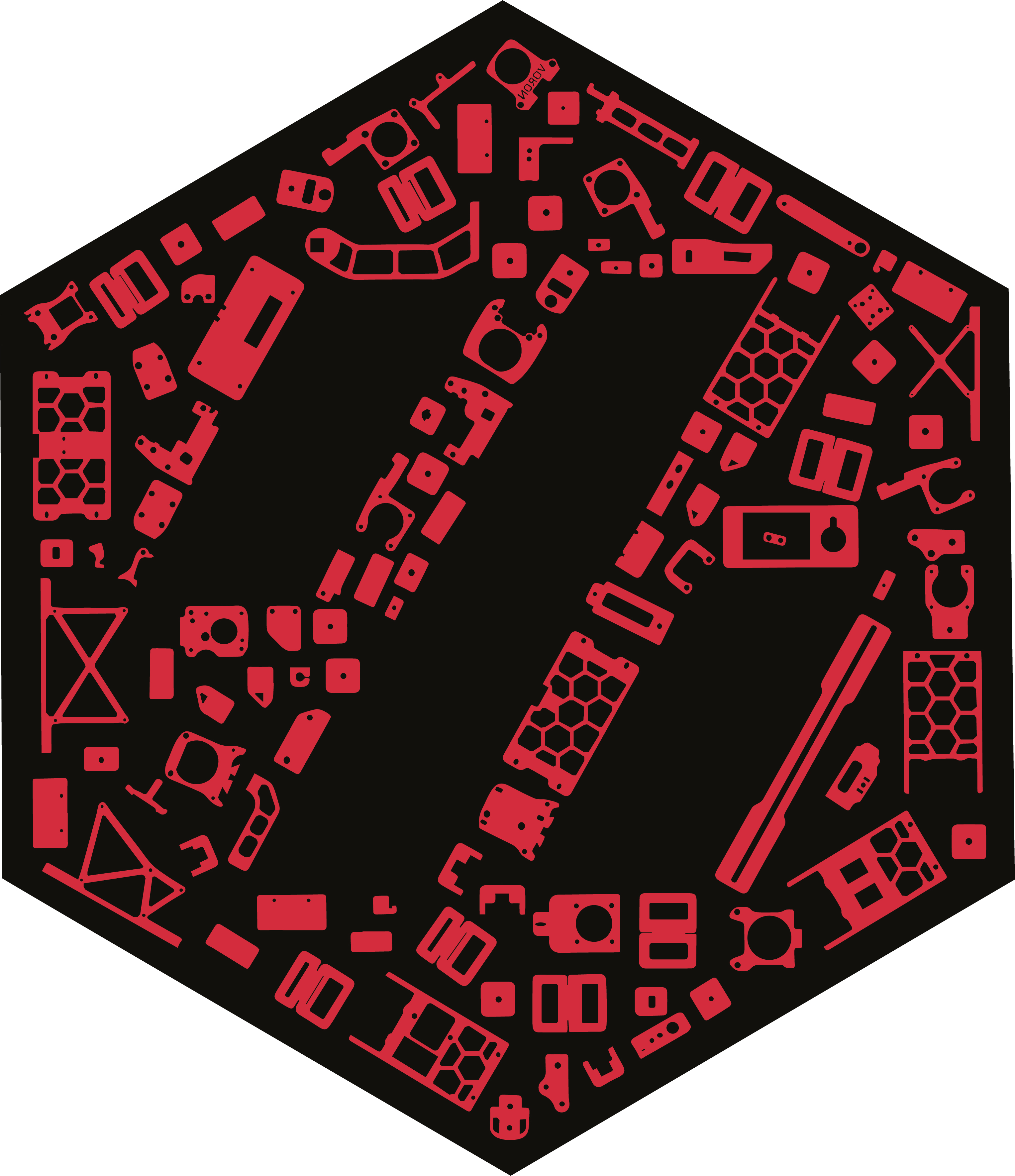
For "Voron Switch Wire Build with 1 Color and without LOGO Outline" WITHOUT the Silhouette Layer
These files are located in the directory "VSWL/1ColorLayerWOLogoWOSil"
Link for "Voron Switch Wire 1Color_WithOut_Logo_Outline_WithOut_Silhouette":
https://design.cricut.com/landing/project-detail/6147c95a2a3d570001fae277
Link to my Repository on GitHub that contains all files I used to produce the "Voron Switch Wire 1Color_WithOut_Logo_Outline_WithOut_Silhouette" .svg file: https://github.com/GadgetAngel/Cricut_Voron_Logos/tree/main/Voron_SW_Logo/1_Color_Layer_WithOut_Logo_Outline/Current_Design_Files
Picture of "Voron Switch Wire 1Color_WithOut_Logo_Outline_WithOut_Silhouette and BackPanel":
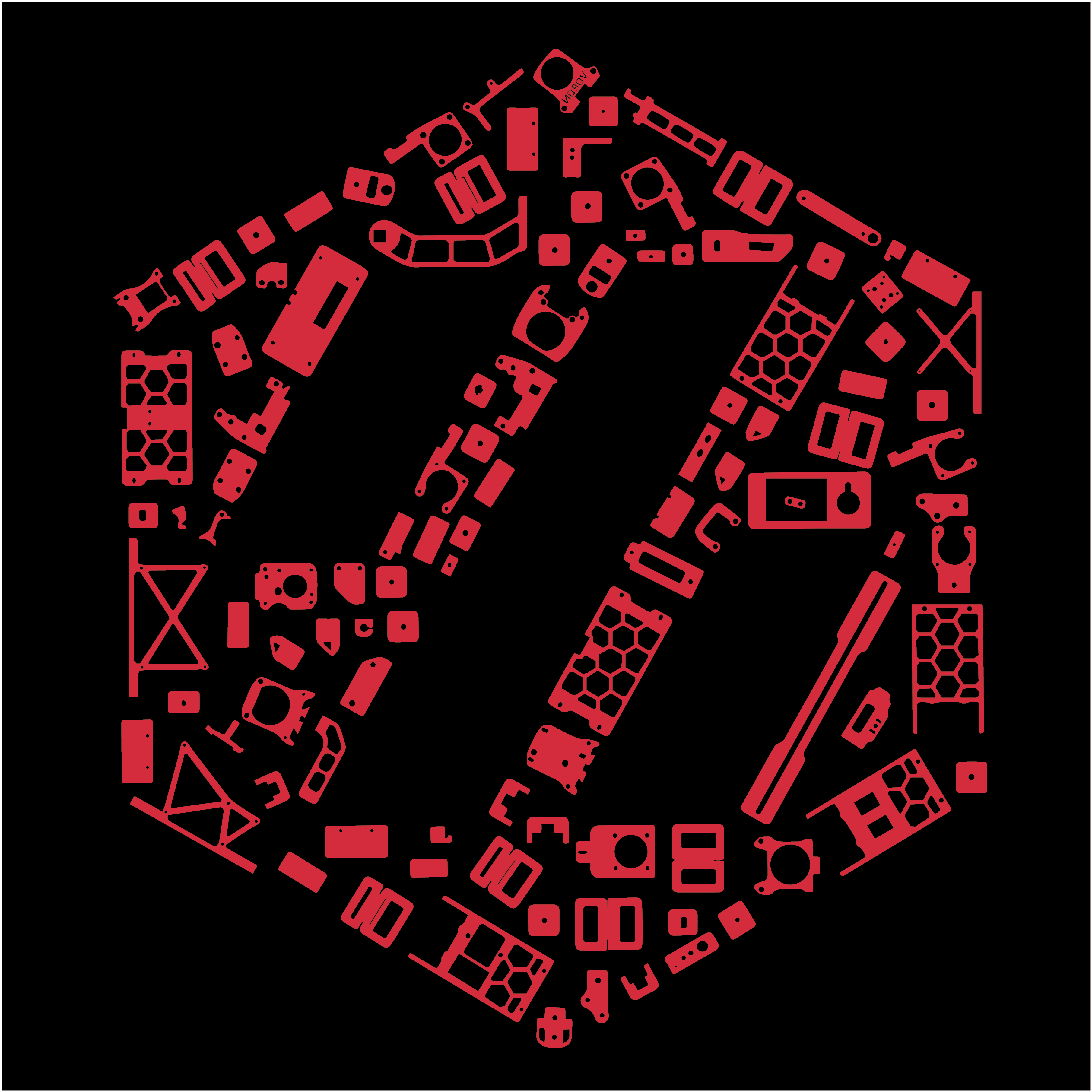
For Voron Trident Parts Design Logo files:
These files are located in the directory "Voron_Trident"
For "Voron Trident Build with 1 Color and with LOGO Outline" WITHOUT the Silhouette Layer
These files are located in the directory "Voron_Trident/1ColorLayer"
Picture of "Voron Trident Build with 1 Color and with LOGO Outline" WITHOUT the Silhouette Layer:
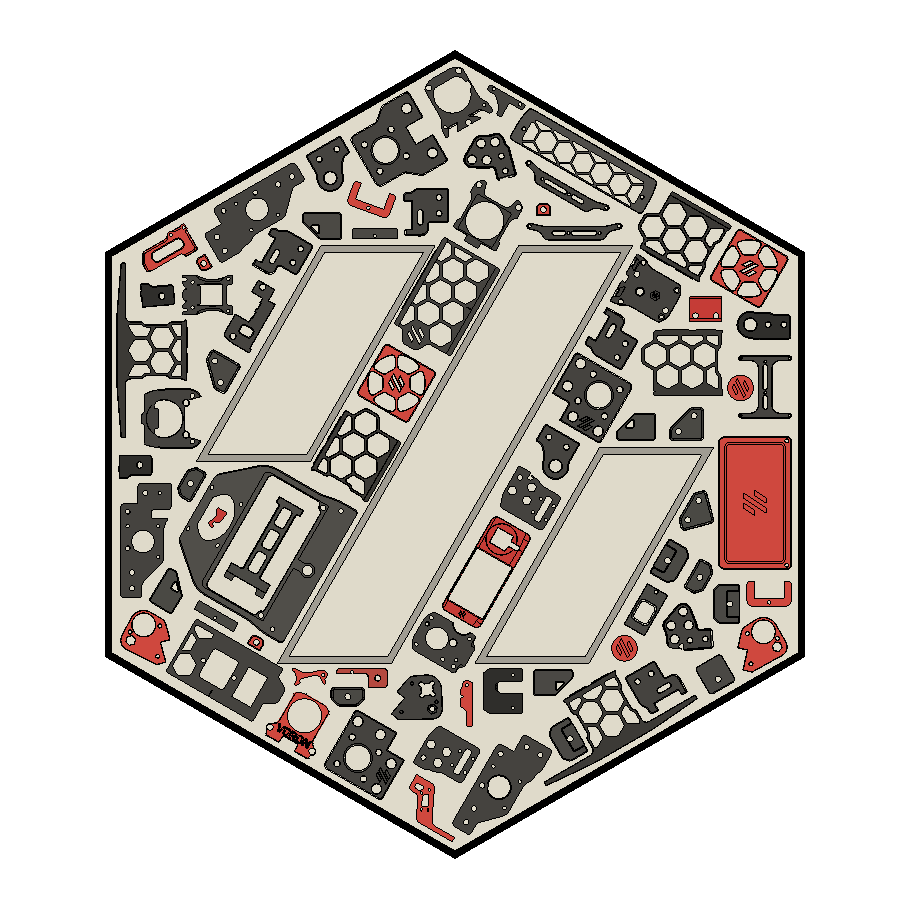
For "Voron Trident Build with 1 Color and without LOGO Outline" WITHOUT the Silhouette Layer
These files are located in the directory "Voron_Trident/1ColorLayerWOWOSil"
Picture of "Voron Trident Build with 1 Color and without LOGO Outline" WITHOUT the Silhouette Layer
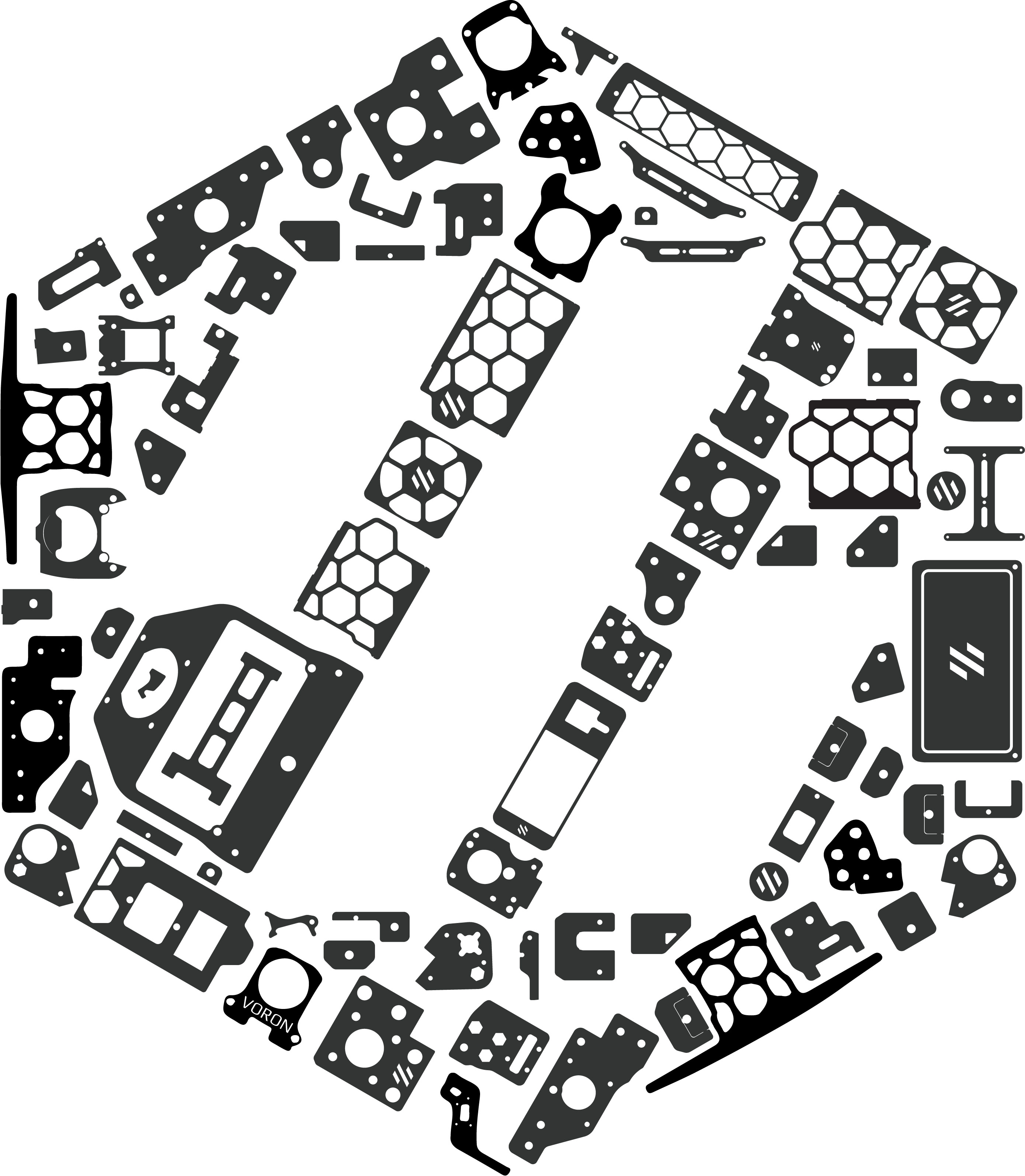
For the .stl files for the Voron-Trident Parts Design Logo that you can print:
These files are located in the directory "Voron_Trident/.stl_files"
Picture of Voron-Trident Parts Design Logo that you can print:
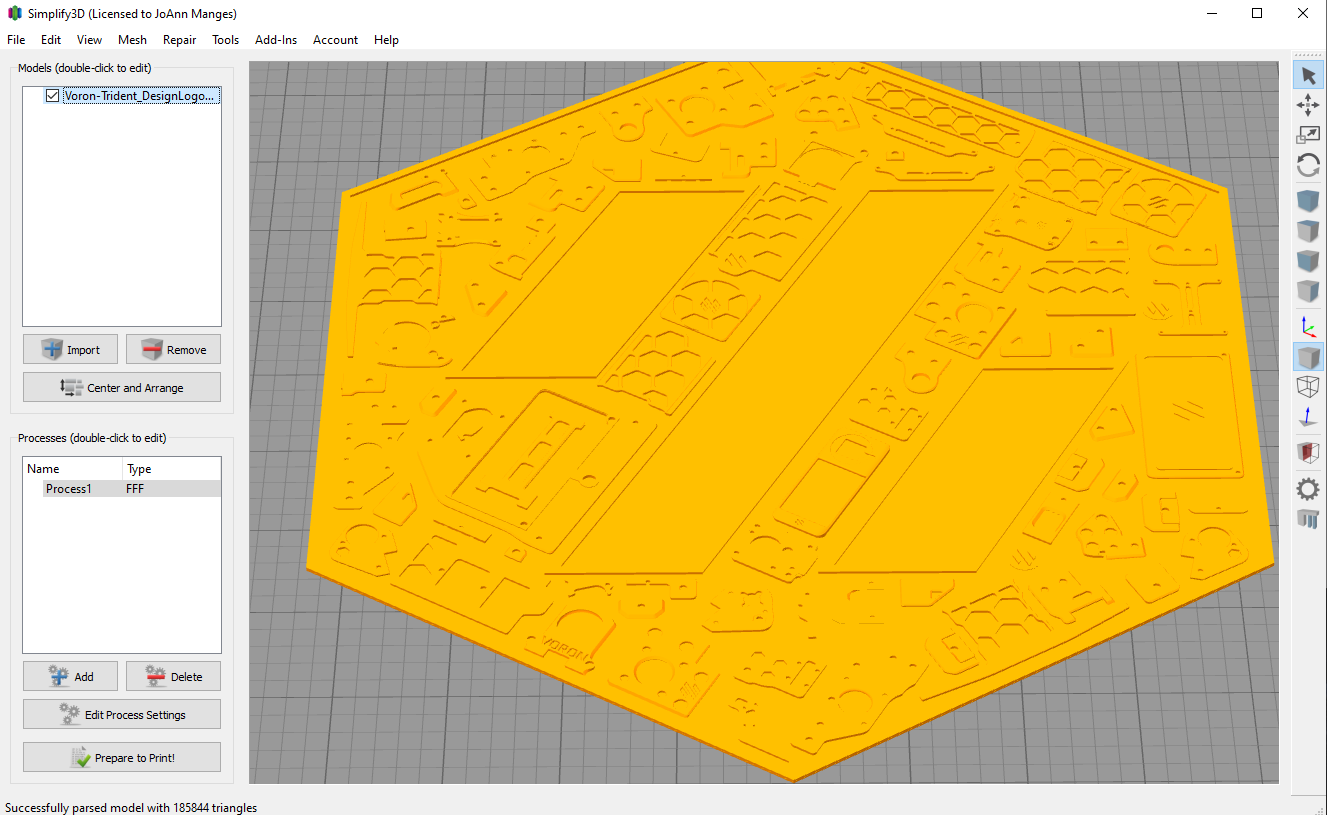
For the .STEP and .f3d files for the printable Voron-Trident Parts Design Logo:
These files are located in the directory "Voron_Trident/CAD"
For the .ai and .dxf files for the Voron-Trident Panels (200 mm³, 300 mm³, 350 mm³):
These files are located in the directory "Voron_Trident/RD_ALL_correct_dim"
Picture of Voron-Trident Rear Panel of the 250 mm³ build:

For "Voron Plain Logo with 1 Color" to be used by ANY Voron Build
These files are located in the directory "VPlainL/1ColorLayer"
Link Cricut Design Space for "Voron Plain Logo 1_Color_Layer":
https://design.cricut.com/landing/project-detail/6137b8cce6ad93000134232e
Link to my Repository on GitHub that contains all files I used to produce the "Voron Plain Logo 1_Color_Layer" .svg file: https://github.com/GadgetAngel/Cricut_Voron_Logos/tree/main/Voron_Plain_Logo/1_Color_Layer/Current_Design_Files
Picture of "Voron Plain Logo with 1 Color":

For MY OWN Voron 2.4 Build
These files are located in the directory "V2.4QueenL"
Link Cricut Design Space for "Voron 2.4 QueenWithPlainVoronLogo2":
https://design.cricut.com/landing/project-detail/6137e15bd254460001dad096
Link to my Repository on GitHub that contains all files I used to produce the "Voron 2.4 QueenWithPlainVoronLogo2" .svg file: https://github.com/GadgetAngel/Cricut_Voron_Logos/tree/main/Voron_2.4_Queen_Logo/QueenWithPlainVoronLogo2/Current_Design_Files
Picture of "Voron 2.4 QueenWithPlainVoronLogo2":