07699fcc3c
* Create README.md * micro_backplate_V0 STLs and Pictures * Add files via upload * adding mod for khay * Update README.md * Delete micro_backpanel.zip * Add files via upload * Update README.md * Update README.md * Update README.md * Create .gitkeep * Delete CAD_pic.jpg * Delete DSC_2957.JPG * Delete DSC_2960.JPG * Delete Slicer_pic.png * Add files via upload * Add files via upload * Update README.md * Delete DSC_2959.jpg * Update README.md * Update README.md |
||
|---|---|---|
| .. | ||
| img | ||
| README.md | ||
| microback_left.stl | ||
| microback_right.stl | ||
README.md
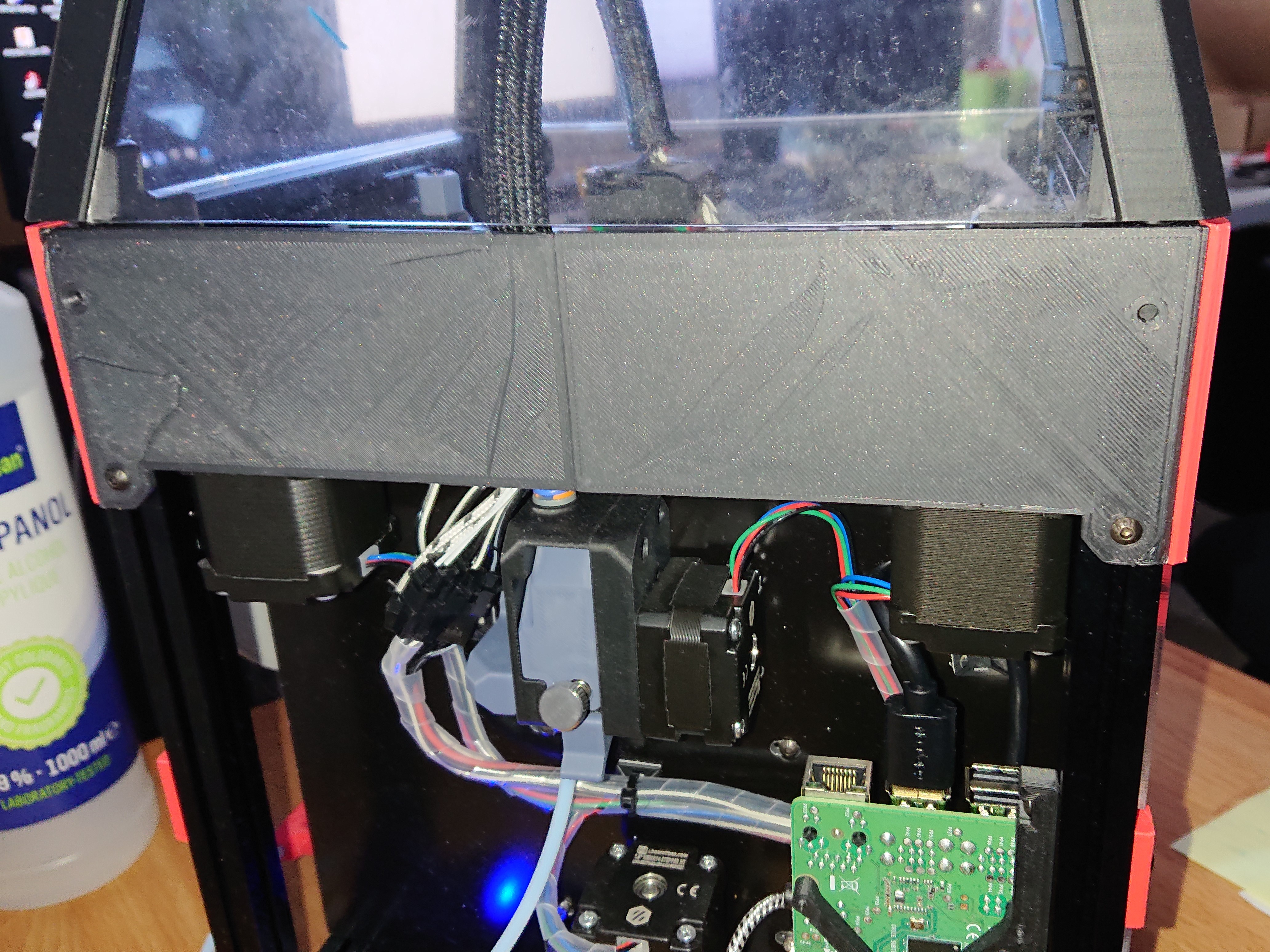
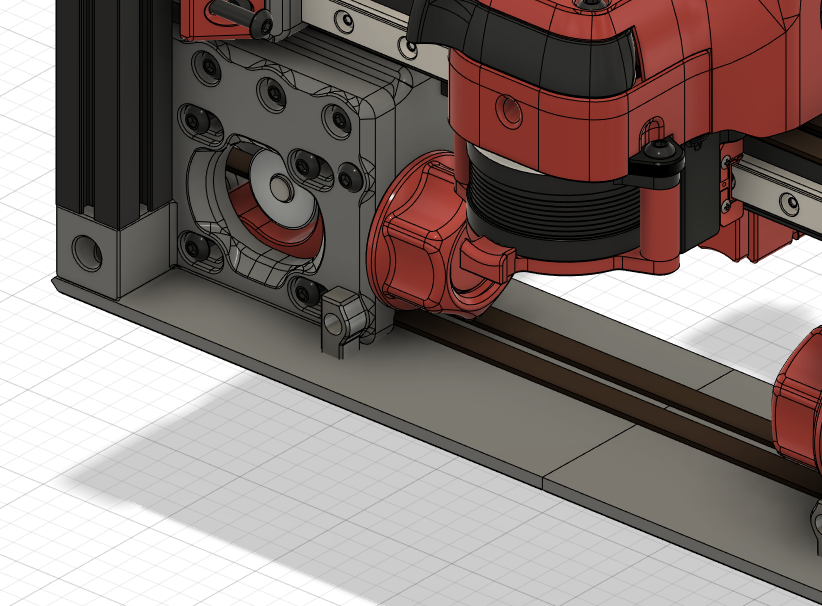
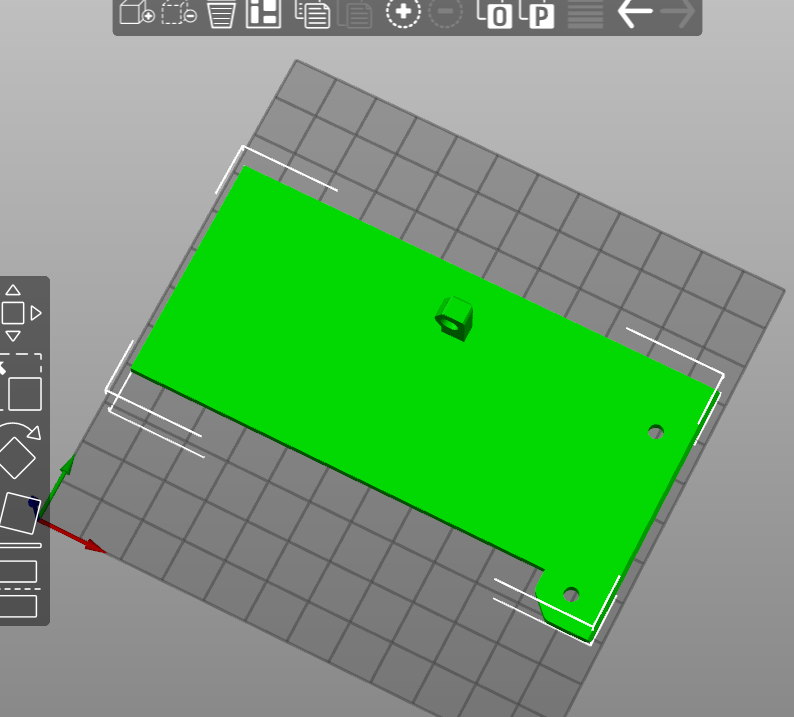
Scrolling through Discord, there are V0 owners like me that experienced really hot electronics or motors because of the enclosed back of the printer. As a serious adult without kids or furry kids, you could leave the backplate off the printer to allow for airflow for the electronics/motors. Unfortunately this will result in losing hot air from the print chamber. So in addition to Weaslus "Electronics-Bay-Separator" or the V0.1 revision motor panel I have sketched this "Micro Backplate" out of the original corners for the backplate. It is split in two parts to fit on a spec V0.
For mounting you will need:
- 2x M3x35 as replacement for 2x M3x30 in the A-B-Motormounts
- 2x M3x8 for mounting on the V0.0 or V0.1 frame. M3 nuts should already be in the 1515 profile.
- 2x M3x6 for mounting on the V0.1 A-B-Motormounts