 de87b598bf
* Create ReadMe.md * Add files via upload * Update ReadMe.md * Update ReadMe.md * Update README.md * Update README.md * Create ReadMe.md * Rename printer_mods/Takuya/ReadMe.md to printer_mods/Takuya/USBCameraMount/ReadMe.md * Delete VoronCamMount.zip * Add files via upload * Delete printer_mods/Takuya/CameraMount directory * Update README.md * Update README.md * Update README.md * Update README.md * Add files via upload * Update ReadMe.md * Update ReadMe.md * Create ReadMe.md * Update ReadMe.md * Update ReadMe.md * Add files via upload * Delete VoronCamMount.zip * Update ReadMe.md * Update README.md * Update README.md * Update README.md * Update README.md * Update README.md * Update README.md * Update ReadMe.md Co-authored-by: KiloQubit <69389593+KiloQubit@users.noreply.github.com> |
||
|---|---|---|
| .. | ||
| ReadMe.md | ||
| Screenshot_4.jpg | ||
| VoronCamMount.f3d | ||
| VoronCamMount.step | ||
| VoronCamMount.stl | ||

ReadMe.md
This is my contribution to the awesome Voron Community!
It's a camera mount for a WANSVIEW 1080p USB Camera. The distance between the screw holes is 15mm so if you have a camera that has this kind of mounting solution then it might work out for you
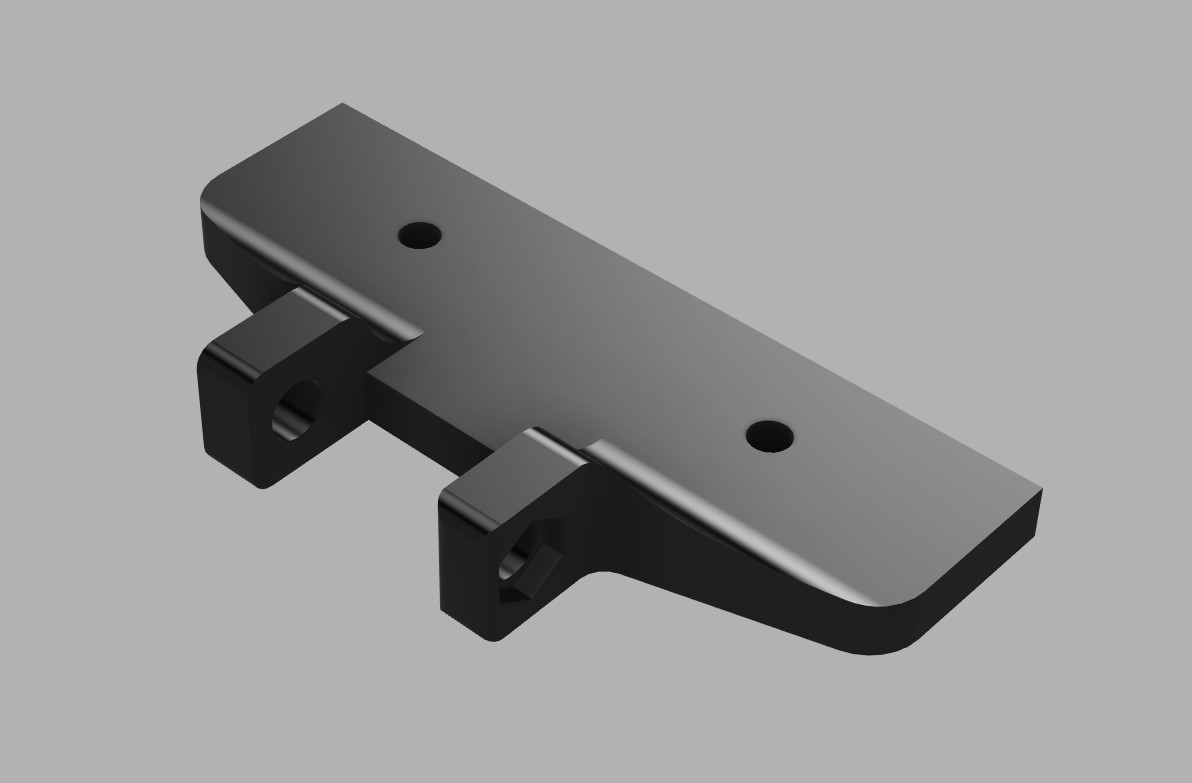
Items needed:
- 2 M3x8 Bolts
- 2 M3 Slide-in Nuts / T-nuts
Assembly:
- Print part
- Remove stock mount from camera
- Install camera on mount
- Put nuts into the frame slots
- Screw on the mount
- Route the wire through the frame
- Plug into RPi
- Enjoy!