bbbb03fa3f
* Create README.md * Diagram * Create Photos * Update Photos * Delete Untitled Sketch_bb.png * Delete Photos * Create Images * Delete Images * Create deleteme.html * Add files via upload * Delete deleteme.html * Add files via upload * Delete Untitled Sketch_bb.png * Create rrg * Add files via upload * Delete rrg * Create DD * Add files via upload * Delete DD * Update README.md * Update README.md * Update README.md * Update README.md * Add files via upload * Delete 20211113_164552.jpg * Delete 20211113_174302.jpg * Delete 20211113_174447.jpg * Delete 20211113_190149.jpg * Delete 20211114_160249.jpg * Delete 20211114_160300.jpg * Added Images * Update README.md * Added Showcase Images * Added my mod * Added X to Trident Column * Update README.md |
||
|---|---|---|
| .. | ||
| CAD | ||
| Images | ||
| STL | ||
| README.md | ||
README.md
Neopixel Mount
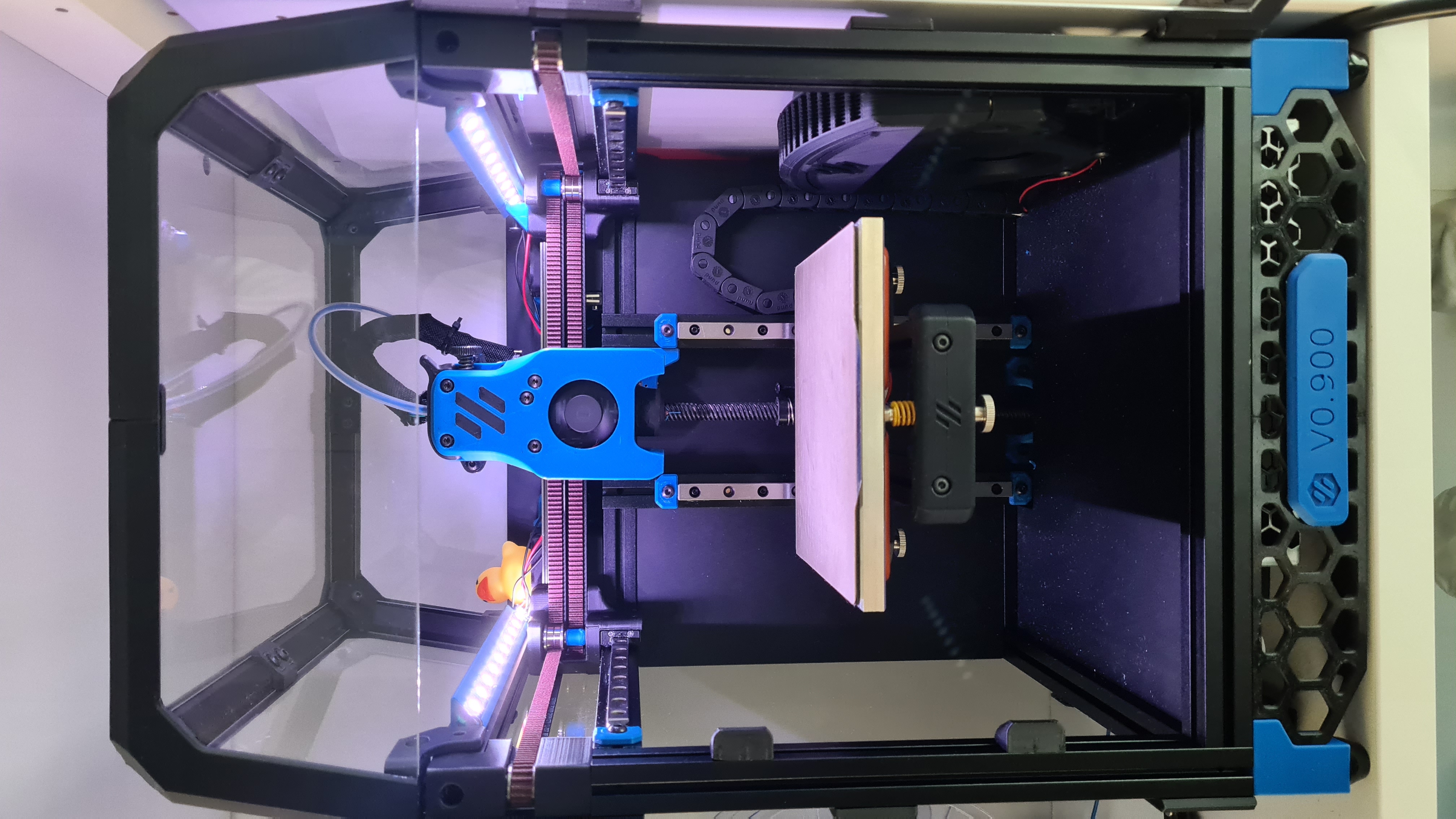
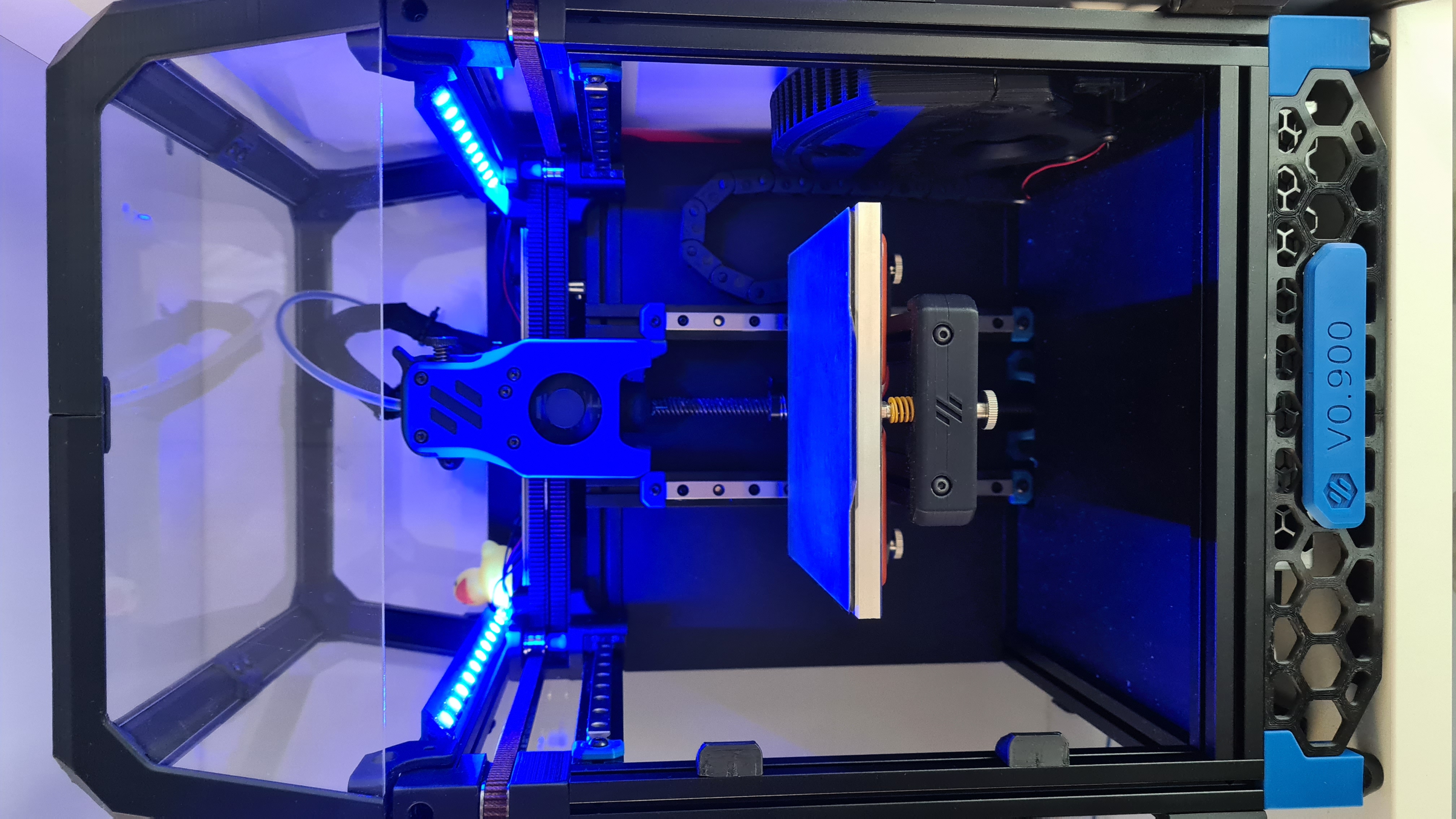
These are neopixel mounts that slide into the V0.1's top extrusions (20 leds in total)
BOM
- Neopixel/WS2812B led strip (60 leds/m) only 34cm, 20 leds are needed
- Cables
Instructions
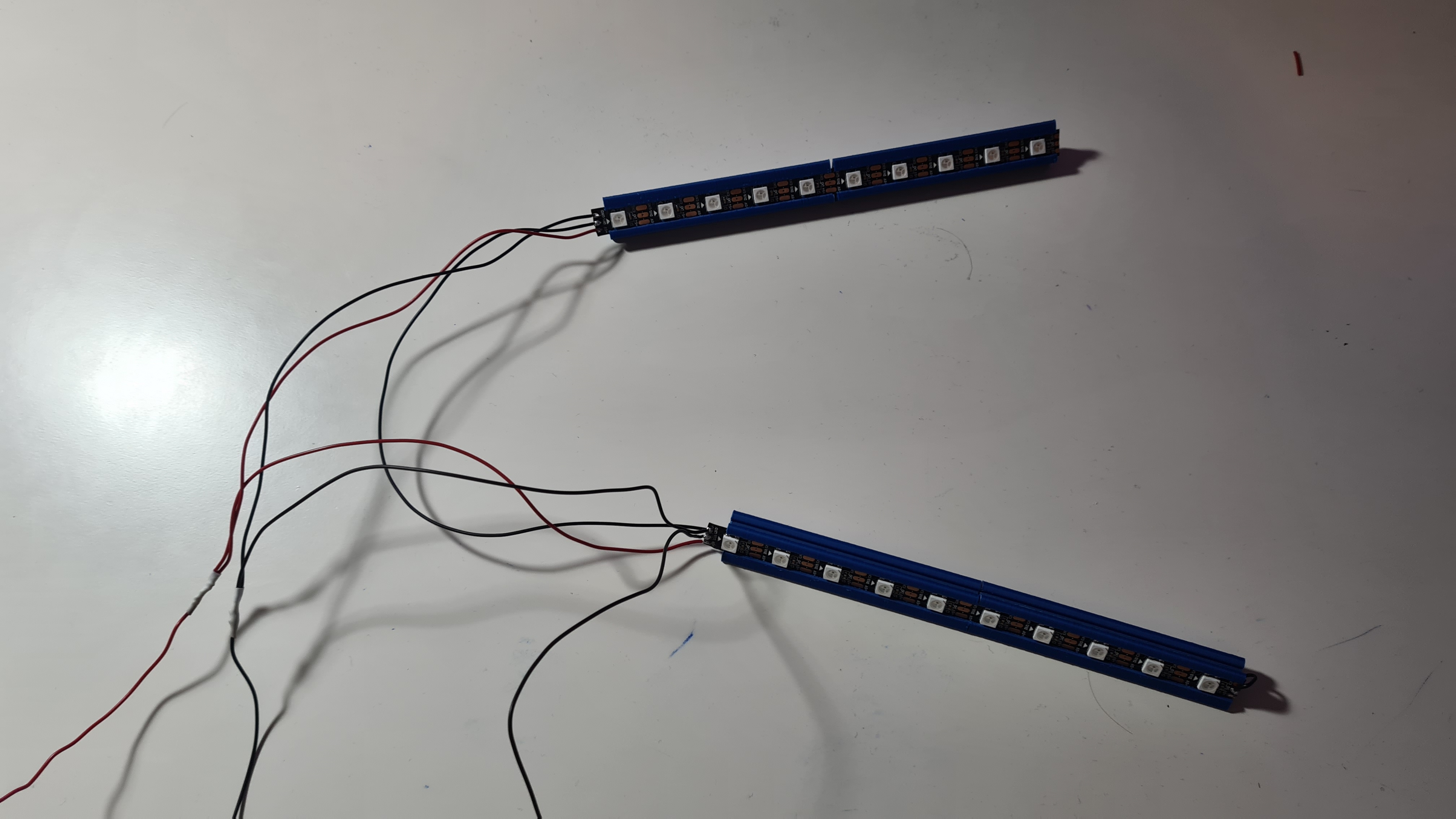
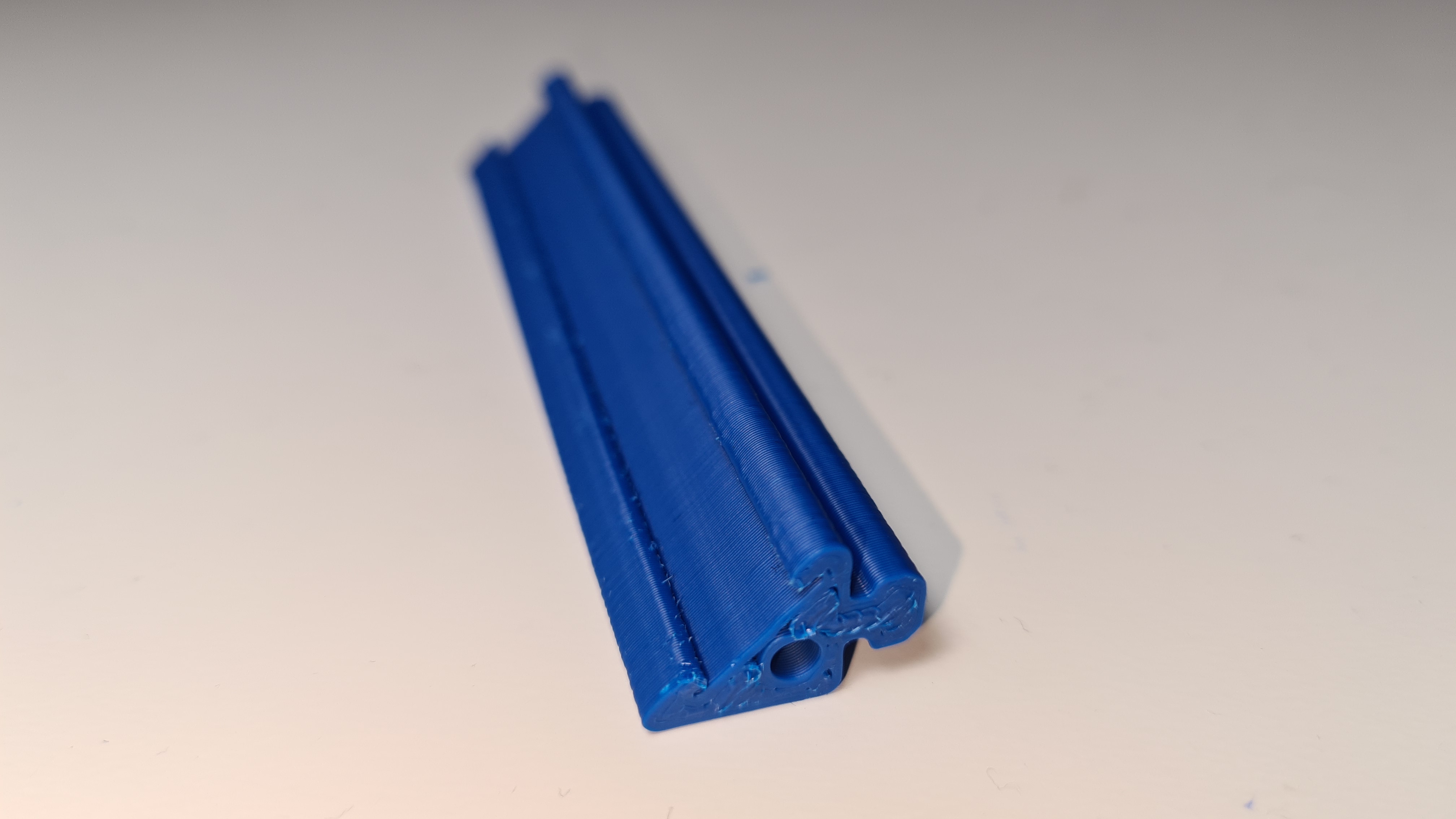
- Print 4 of the "Neopixel_Mount" (2 for each side)
- Solder only the 5V and GND wires on the led strips
- Slide them into the mounts
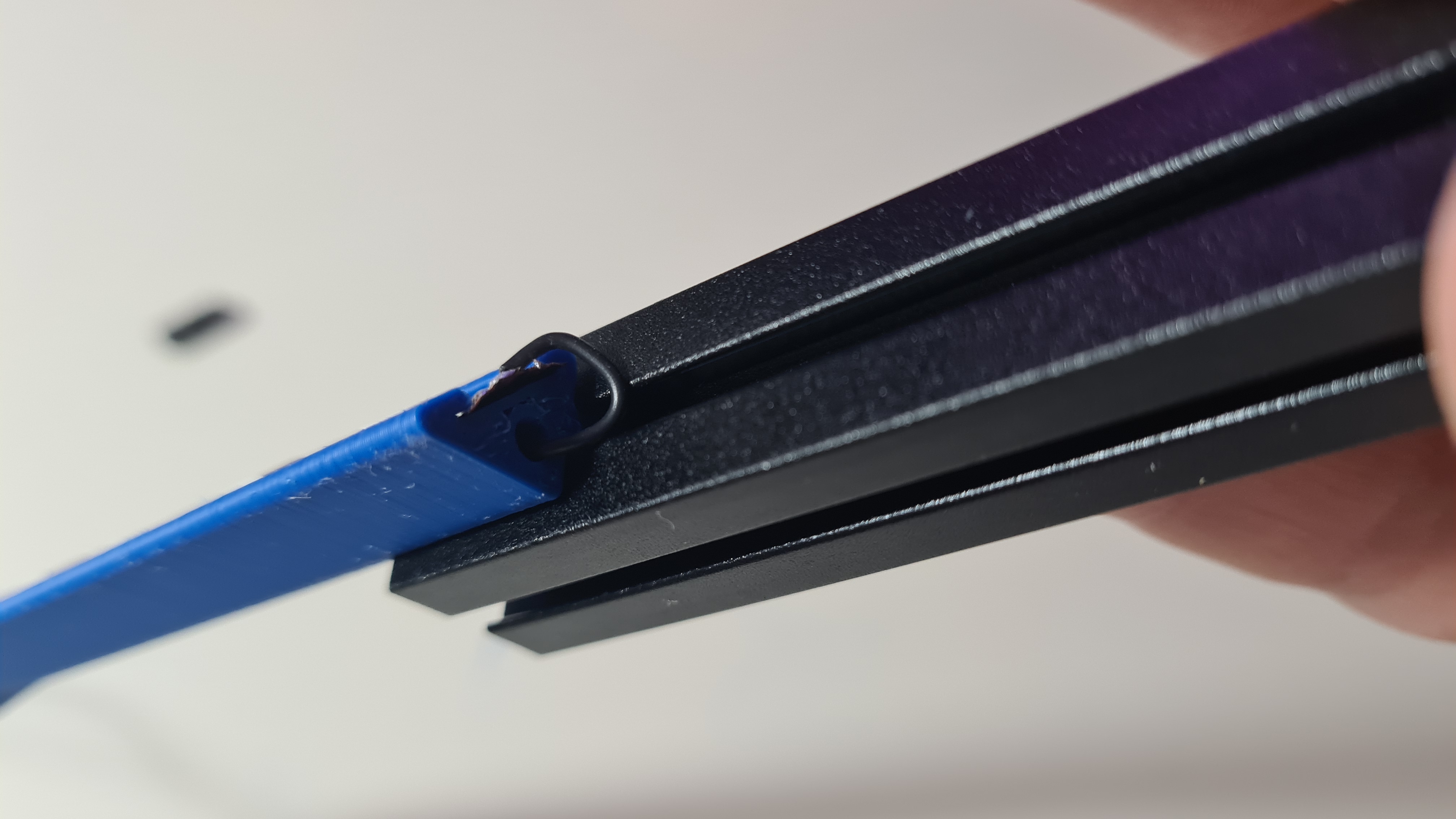
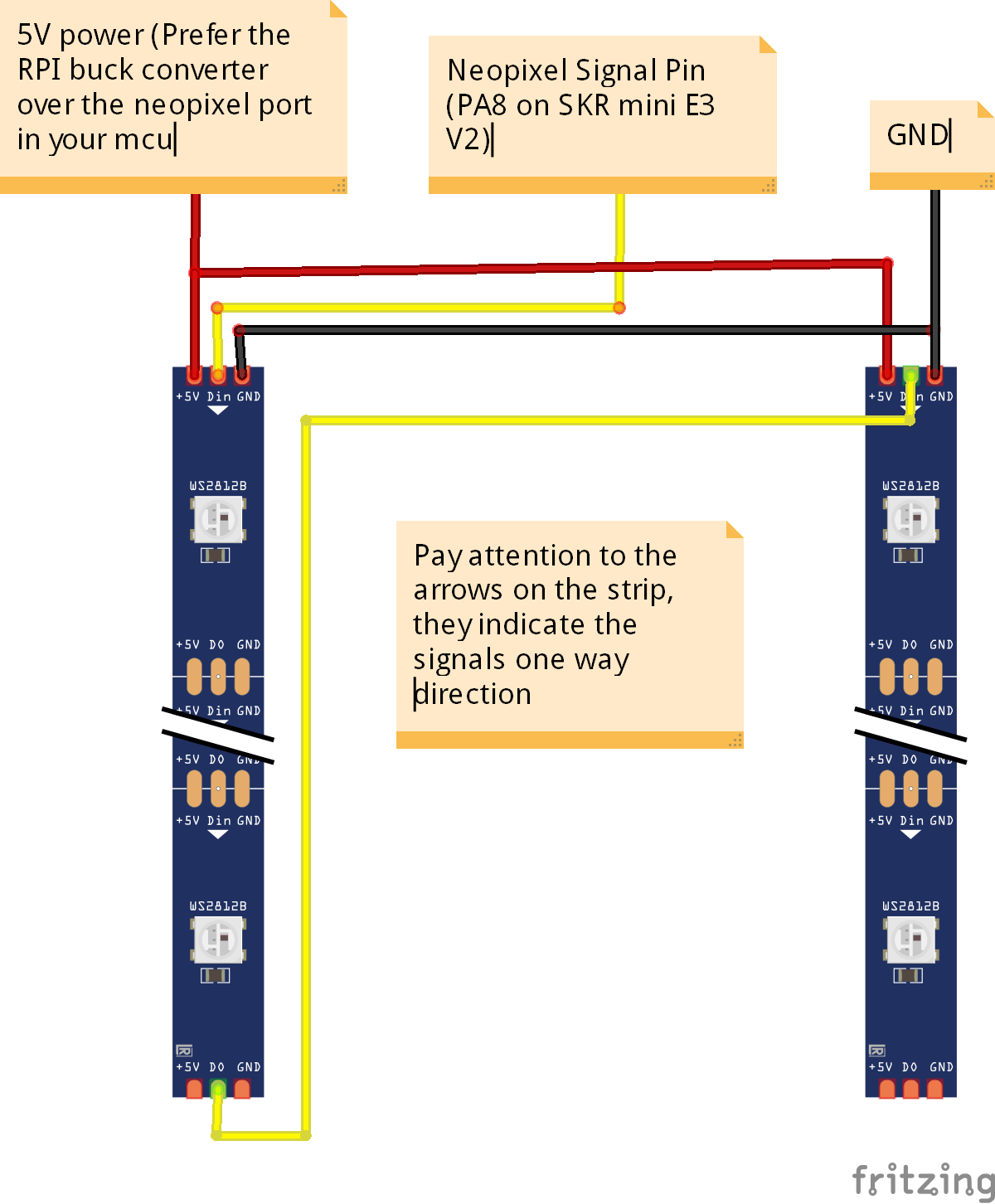
- Solder the signal wire based on the diagram below (There is a hole in the mount to allow the wire to go from the one strip to the other)
- Remove the 2 screws holding each extrusion into place
- Remove the 3 screws that attach the panels onto each extrusion
- Slide the mounts onto each extrusion and screw the extrusions in place
Neopixel Holder
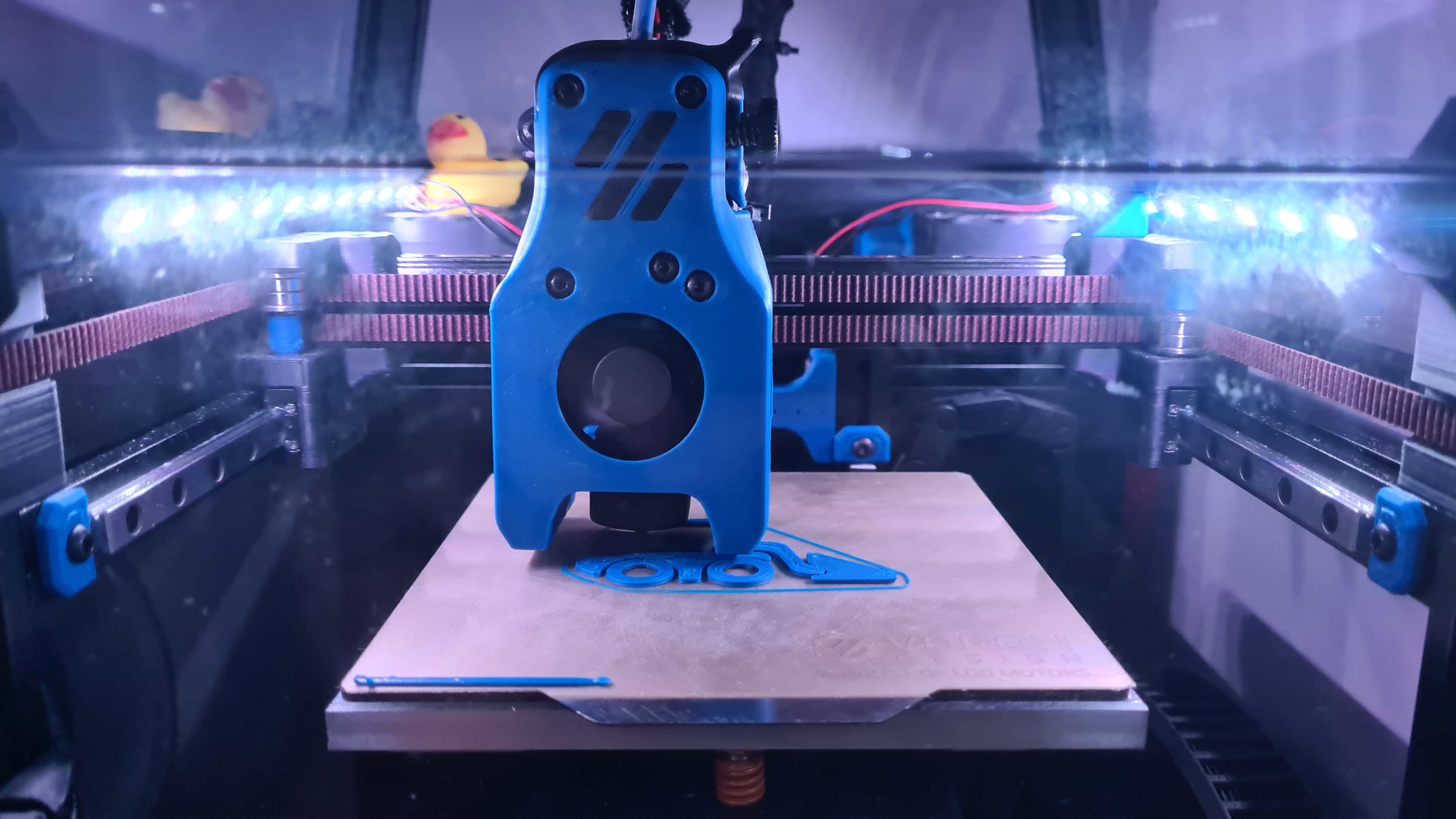
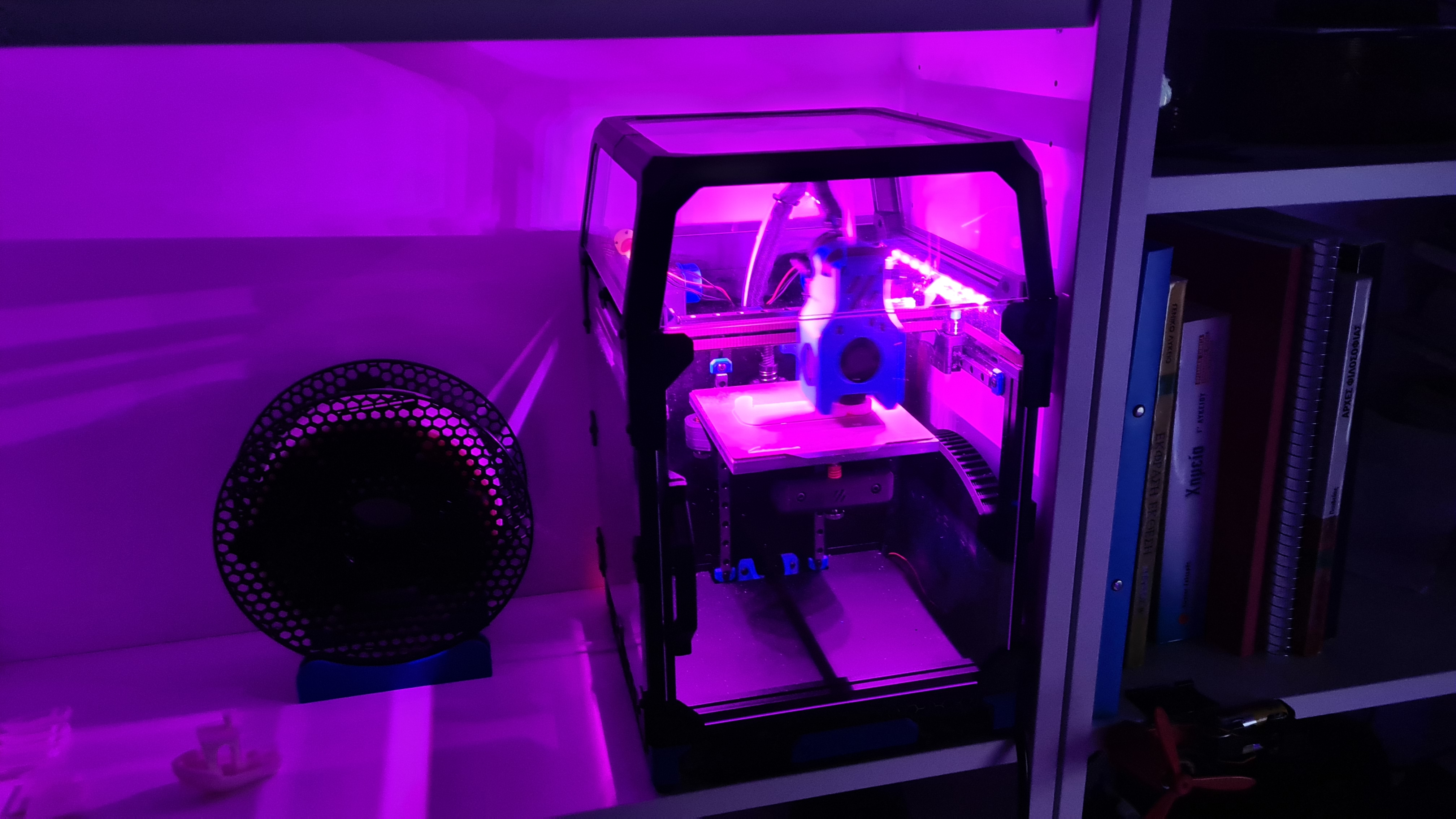
Printed Parts
Circuit Diagram
Assembly