852aae11ce
* init * Create README.md * Update README.md * PowerSwitch * NamePlate * images * file rename * Update README.md * Create img5.jpg * move * Update img5.jpg * Create img6.jpg * Update README.md * img7,8 * Update README.md * Update README.md * Create img9.jpg * Update README.md * Update README.md * Update README.md * Update README.md * Delete Skirt_EmptyNamePlate.stl * Create Skirt_EmptyNameplate.stl * Update README.md * Delete img0.jpg * Update README.md * Update README.md * Update README.md * Delete img9.jpg * update images * Create Skirt_adxl.stl * Create img9.jpg * Update README.md * Update README.md * Update README.md * V0.1 * V0 Skirt set Trident column Co-authored-by: tz <48024745+Zen3Dhu@users.noreply.github.com> |
||
|---|---|---|
| .. | ||
| IMG | ||
| V0.0 | ||
| V0.1 | ||
| README.md | ||
README.md
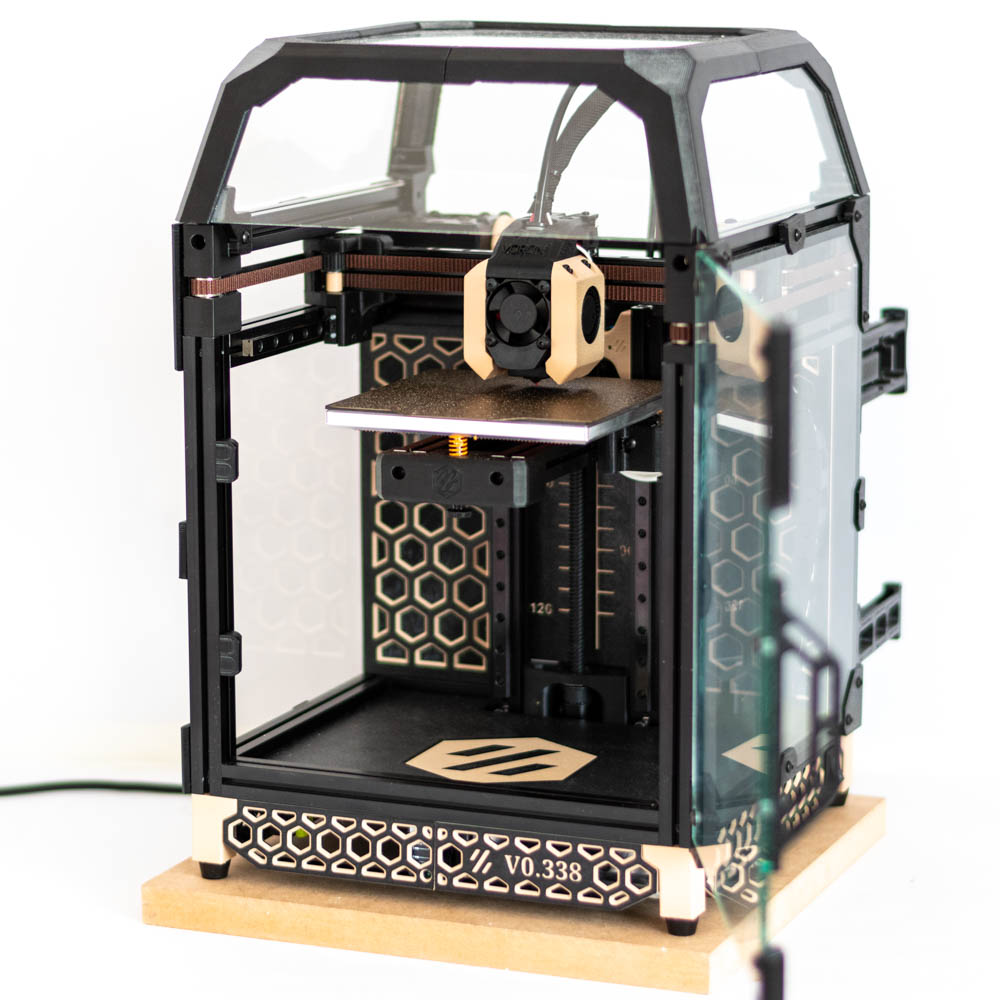
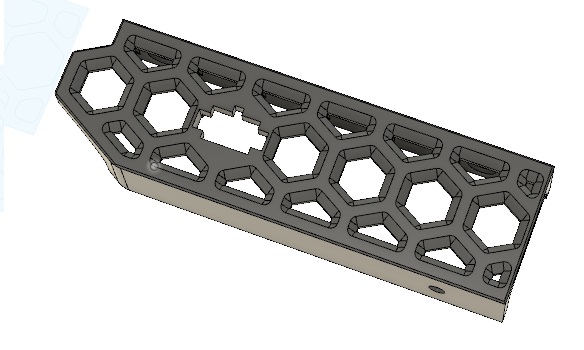
Voron0 dual color skirt set (SSR, PowerSwitch, Nameplate)
To match the skirt with the Midpanel with Hex Pattern by sterminatore's idea
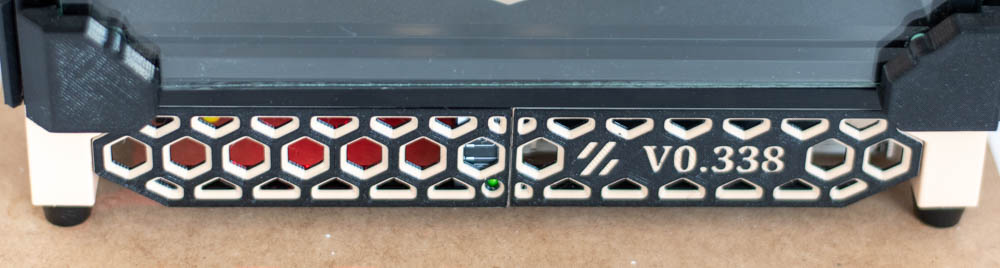
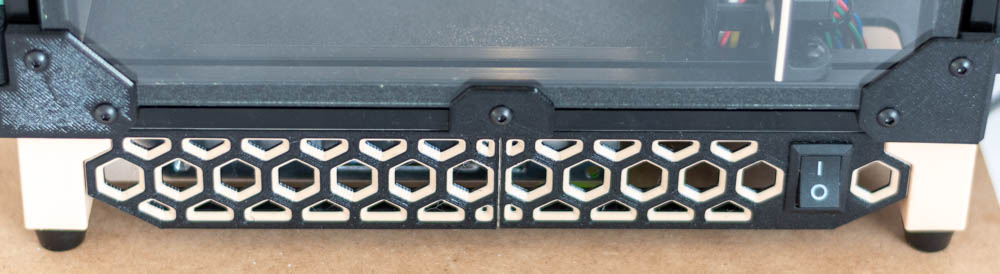
print settings:
- layer height: 0.2mm
- color change at 0.6mm / 2.2mm
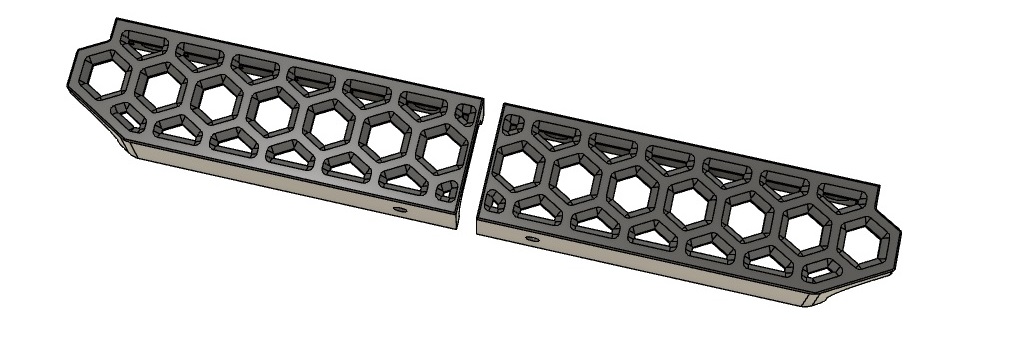
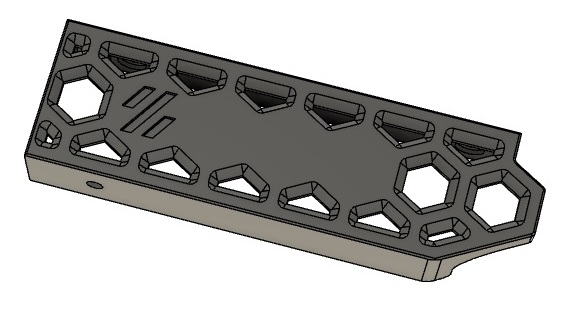
Skirt.stl, Skirt_mirror.stl
Left and right skirt part with 40 degree chamfers for color change printing. There is an extra hole for tightening the middle M3 screw.
Skirt_EmptyNameplate.stl
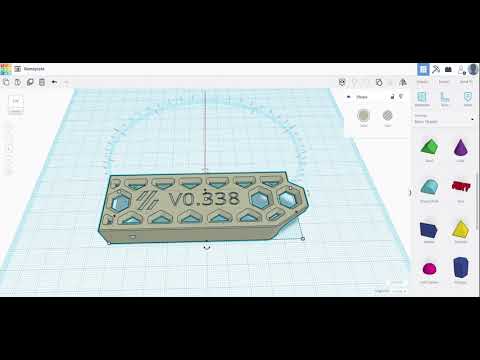
Empty nameplate for serial number. For example, with Tinkercad you can easily put the number on it.
Here's a quick tutorial:
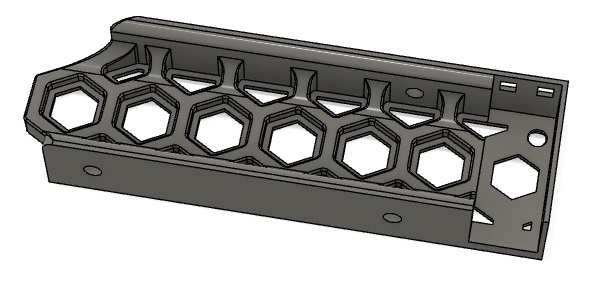
Skirt_SSR.stl
SSR holder with led window.
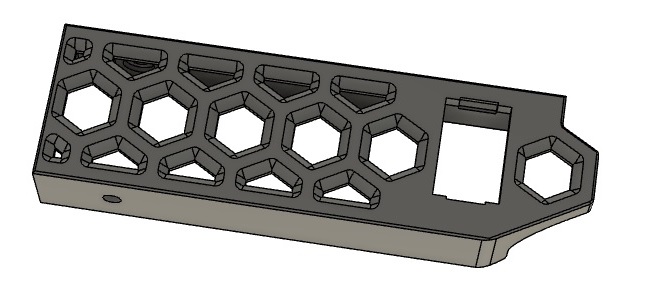
Skirt_PowerSwitch.stl
12mm x 19mm windows for power switch.
- Example power switch on aliexpress: On/Off Switch 6A-10A 110V 250V 21MM*15MM
Skirt_Adxl.stl
Adxl connector, 6P microfit 3.0: https://www.digikey.com/en/products/detail/molex/0430200600/252492
Overview