58bd7ed27e
|
||
|---|---|---|
| .vscode | ||
| example/BLE_keybord | ||
| frimware | ||
| image | ||
| lib | ||
| src | ||
| .gitignore | ||
| LICENSE | ||
| README.md | ||
| README_CN.MD | ||
| platformio.ini | ||
README.md
🌟LILYGO T-keyboard🌟
English | 中文
Quick start:
USE Arduino IDE
- Install the current upstream Arduino IDE at the 1.8 level or later. The current version is at the Arduino website.
- Start Arduino and open Preferences window. In additional board manager add url: https://raw.githubusercontent.com/espressif/arduino-esp32/gh-pages/package_esp32_index.json .separating them with commas.
- Select Tools -> Board -> ESP32C3 Dev Module
- If you do not have a driver installed, you need to install it (Window:ch341ser2.exe, MAC:ch34x_mac_driver_v1.6.zip New driver reference)
- Need to install the following dependencies
Product 📷:
| Product | Product Link |
|---|---|
| T-keyboard | AliExpress |
Matters need attention
- Do not set the screen backlight to too high, which may cause overexposure
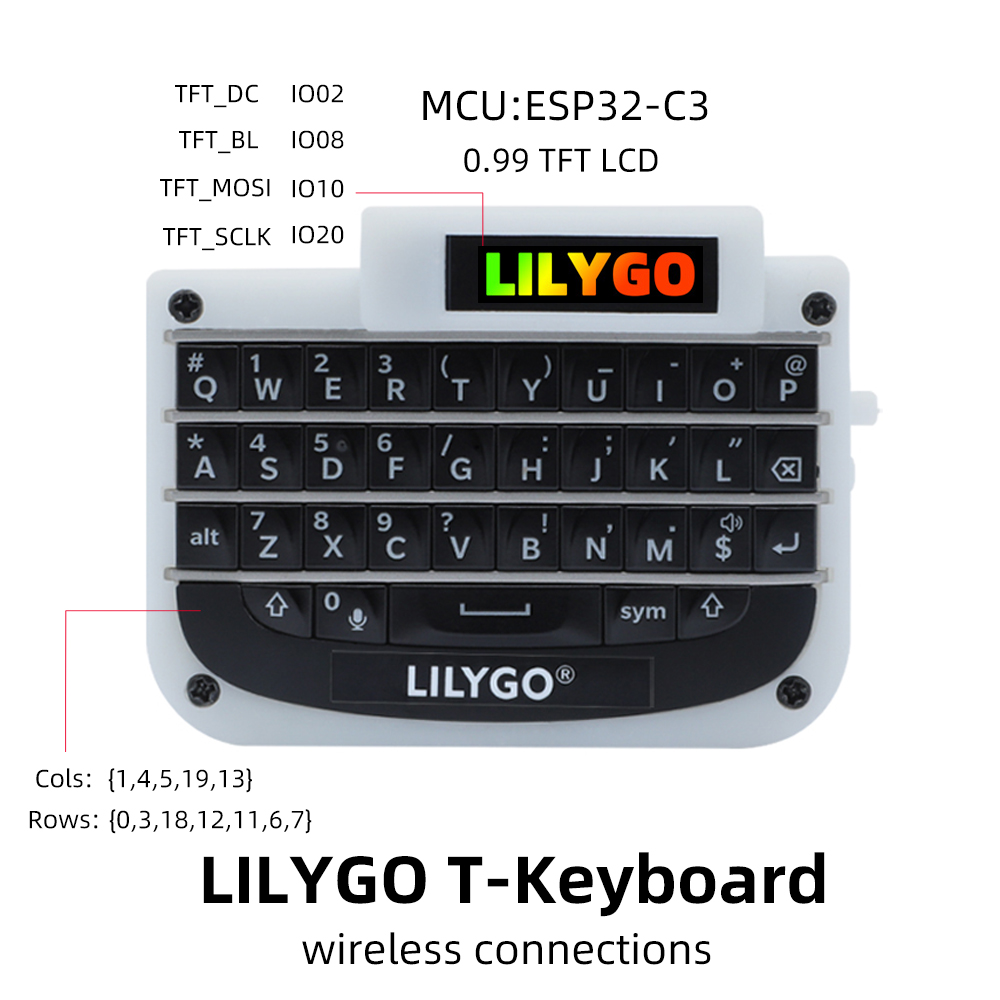
Pinout